 If you own a smart phone you’ve had to suffer several of those gut wrenching panic attacks that make you feel like you are going into cardiac arrest. I am sure everyone reading this post knows the feeling of despair that I am talking about. It comes about when you can’t find your iPhone or Android. Did you lose it or was it stolen?
This has happened to me several times when my iPhone had fallen into some mysterious dark hole in my handbag or I left it in my bathroom on a stack of towels while charging it.
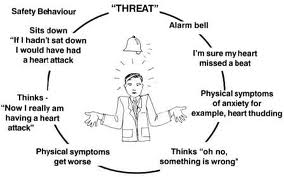 I have had many panic attacks in my lifetime, especially when I am on a bumpy airplane or waiting to hear results from my doctor. However, nothing beats the emptiness and life threatening hysterics you get when everything you worked for and every detail of your life is now missing. My head is screaming, “What did I do with that iPhone? Dear G-d, if you give me back the iPhone, I swear I will never let it out of my sight. I promise never to eat chocolate again.”
Our lives depend on these handy little gadgets. As seniors, we have been taught for the last few years to get rid of all the paper and digitize everything. But no one has prepared us for what we do if we lose these little contraptions.
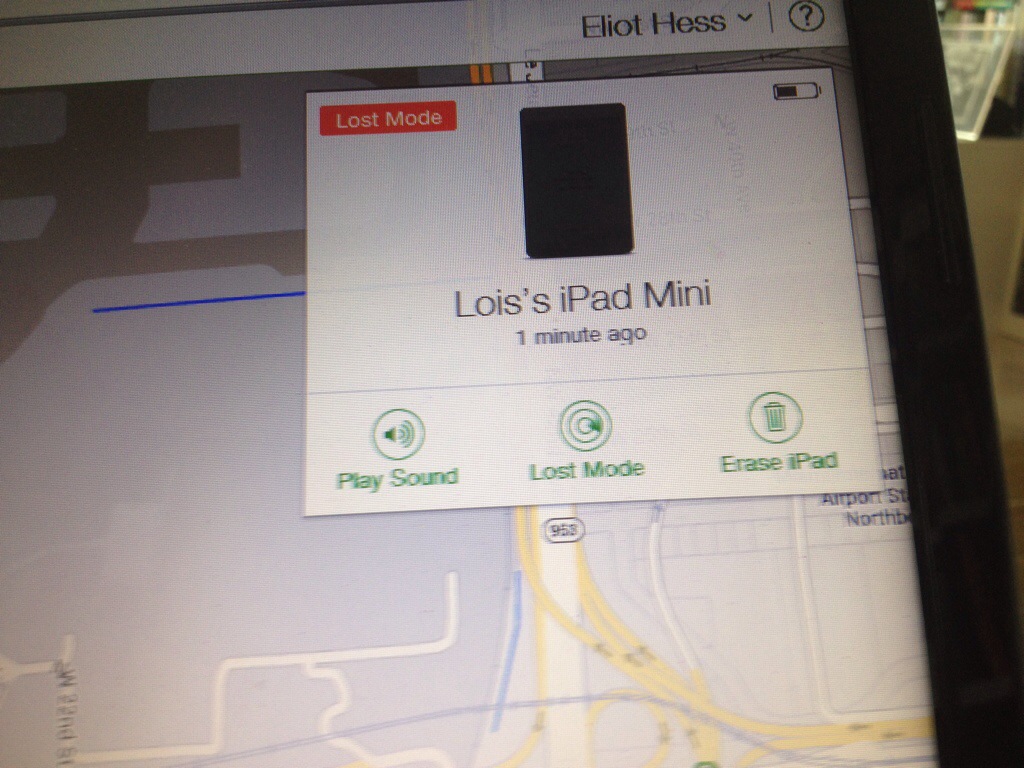
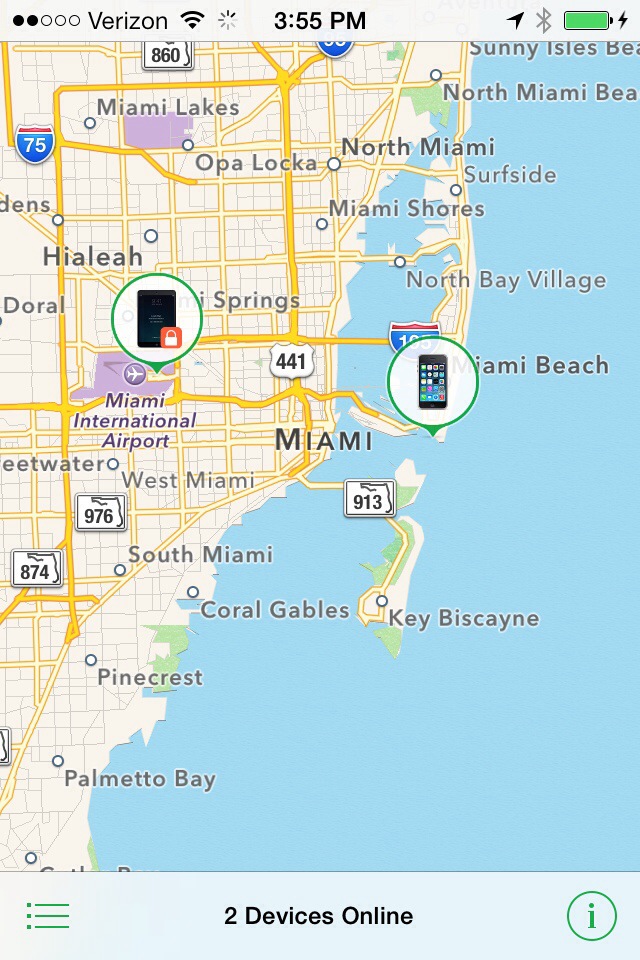
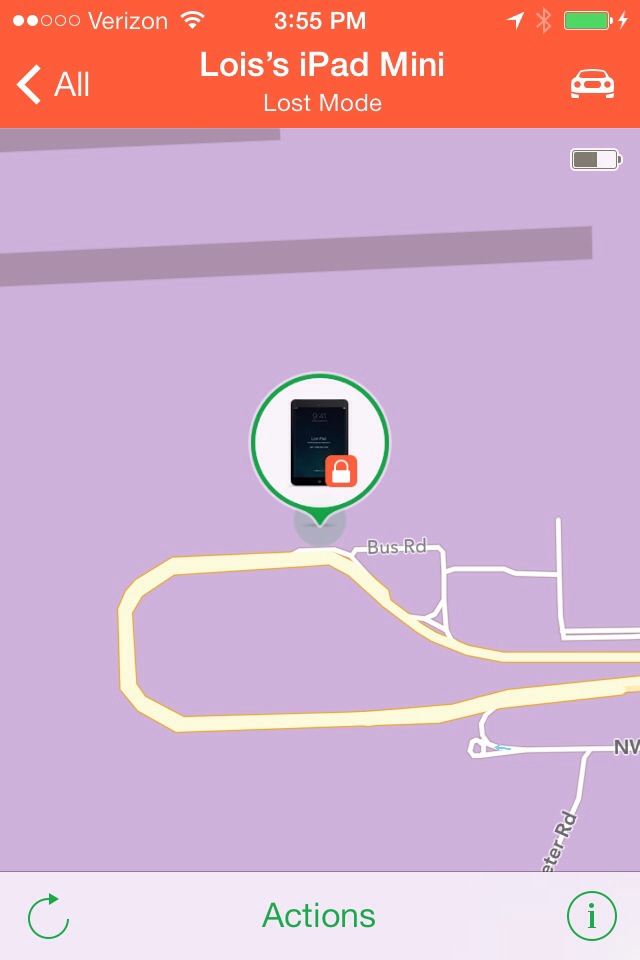
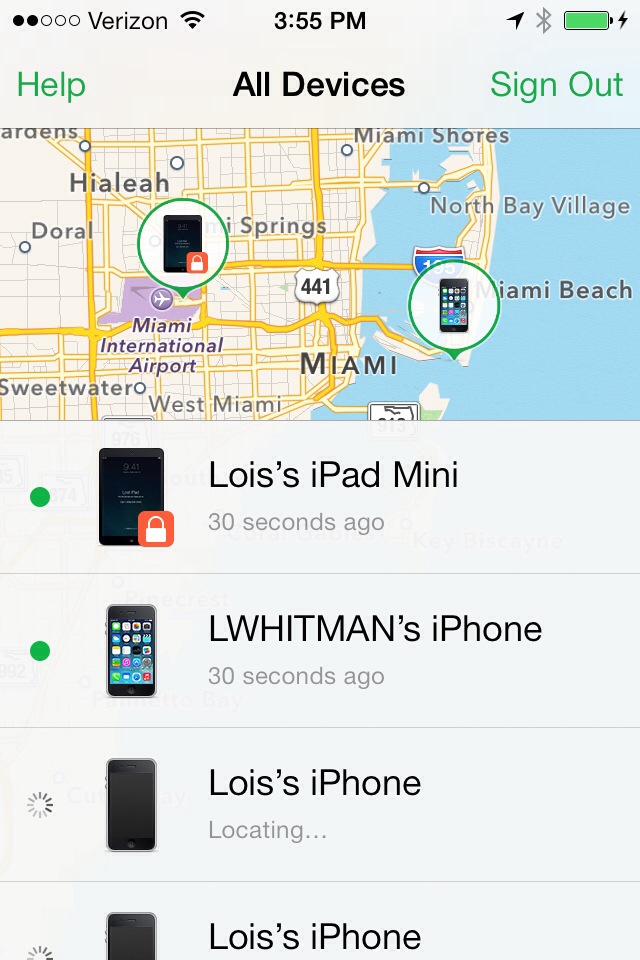
 Do not wait another minute. If you have an iPhone, enable “Find My iPhone” in the settings menu under iCloud. If you have an Android phone go get “Where’s My Droid” from the Google Play Store. Both of these apps will help you locate the missing device and protect your data. You will be able locate your device on a map and lock or erase the information. All of this is can be done from another smart phone or the web using the Find My iPhone App or iCloud.com website for iOS or the Where’s My Droid website for Android. If you feel your phone was stolen you call the police and they will retrieve the unit for you.
Both apps must be enabled in order for them to work.
This is probably the best advice I can ever give you. Use these apps on your phones, your MP3 Players, your tablets, and your laptops.
Many people already know about these apps, but have been too lazy to download them. These are the same people who know about the shingles and pneumonia shots and do nothing. All of these offerings are a blessing in disguise. Get them. You don’t need the stress of an attack.


 DigiDame