QR Codes to Save Lives

20130603-232639.jpg

Every time I get into my car I think about whether I should lock the doors. I don’t like the idea of getting into an accident and no one will be able to pull me out because the doors are locked. Then I worry about leaving my doors unlocked and having someone open one and jump in. That happened to me once.

I was driving my brother’s Volkswagen Karmann Ghia convertible uptown through the tunnel on Park Avenue when all of a sudden an inebriated suit opened the passenger door when I stopped at the red light. He sat right down and asked where we were going. I saw my whole life flash in front of me. I don’t remember what I said but before the light turned green he left.

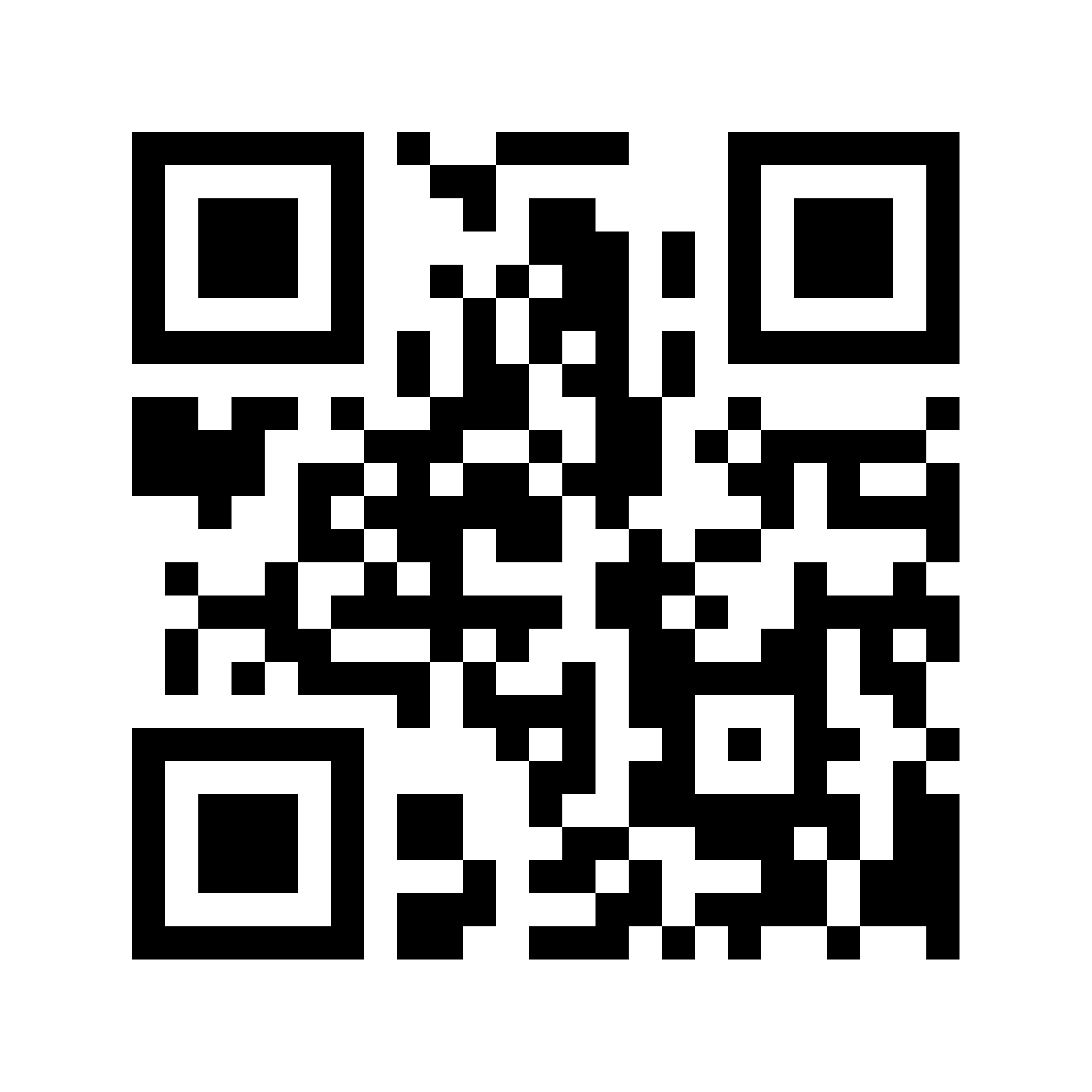
I can remember the panic and shock as if it were yesterday. I often think about it. Apparently, the topic of auto entry is on the minds of a lot of people. Car companies are thinking more about getting into our automobiles too, especially when we are trapped inside of them. Mercedes-Benz just announced that they are placing QR codes on the fuel doors and the roofs of their new cars so that emergency responders can quickly get access.

According to the developer of this welcome solution, Mercedes said in a recent press call that the QR codes will link to a copy of the car’s schematics so that responders will know exactly where the tanks, batteries, and electrical wiring is located. The schematics, called ‘rescue sheets,’ will allow anyone with a smartphone or a tablet with a QR app to direct emergency personnel to a website with the specific rescue sheet they need to reference. Mercedes chose these two spots on the car to put the stickers because it seldom occurs that both these parts are badly damaged in the same accident, and they are furthermore easily accessible from the outside.

In a surprising move, Mercedes said QR codes can also be retrofitted for existing cars. The automaker is also waiving its right to patent this idea so that other car companies can implement this sort of technology.

20130603-232239.jpg

20130604-002951.jpg

20130604-002958.jpg

A Very Simple Explanation Of QR Codes–You Are Seeing Them Everywhere

QR Code In Ralph Lauren Ad

QR Codes On The Street

QR Code

QR codes are all over the place. Some people think they are Rorschach tests. Rorschach is a test to examine a person’s personality. A QR code is digital source for information. It is usually found in newspaper advertisements, magazines, promotional material, window storefronts, hangtags, TV advertisements, billboards, directories, postcards, and yes business cards. It helps you access information easily and instantly on-the-go. It stands for Quick Response and looks like a square-shaped, black bar code on a white background.

While they have been around a few years, the use of QR codes is just starting to gain in popularity. They are all over Europe and Asia. Most store front windows overseas prominently display its QR code larger than the name of the business establishment. The same thing is going to happen in the United States so take a few minutes to learn about them now.

All you have to do is use a dedicated QR app on your smart phone to scan a QR code. It’ll magically take you to a website, or promotional page, where you will get a plethora of information. You don’t have to write down a thing. Don’t miss out on this opportunity, many QR codes offer major promotional discounts. The next time you enter your favorite restaurant, the person sitting next to you may be getting 20 per cent off the same meal, because he or she scanned the QR code on the front window and showed it to the server. No paper, no explanations, no excuses.

When you go to the app store on your smart phone, pick a QR reader that has the highest rating. I selected “QR Reader for iPhone” because many of my friends use that one. Trade magazines also heavily recommend “RedLaser Barcode.” They are both free and you need them because they auto detect (scan) bar codes. They also make it very simple to point and shoot. The apps help you send the info to email addresses, Facebook, Twitter, FourSquare, and Flickr. They also store a history of what you scanned for future reference and they’ll help you create your own QR codes.

In order to give you examples of how the QR codes work, I enlisted three interns at HWH to explain recent experiences. Here is what Kaitlyn Keenan, Fairfield University; Rachel Lederman, Villanova; and Jason Feldman, Boston University had to say:

“Most of the QR Codes we found in the store windows in the Flatiron District of Manhattan, led us to a website of a particular product or the company. For example, Bellmarc Real-Estate had a QR Code that said “Snap this tag to view our Open Houses.” Once we scanned it, the app directed us to sales and rentals. The lists provided a picture, the address, price, show time, and details of the apartments. All we had to do is contact the agency and let them know which apartment/s we were interested in. Simple as that!

“We also scanned an American Express advertisement in a retail store window. It allowed us to see which stores in the area take the credit card. That was amazing, because many do not. Next we visited the Flatiron building which had an art display sponsored by Sprint. We scanned one of the bar codes and found a Sprint.com-Flatiron Art Website which showed pictures and descriptions of the artists and art work. All of the scans we took are now stored on the app we used. We can go back and refer to it at any time. This is just another way to eliminate paper.”

Remember the days when you used to DQ? Now you are too health conscious for that. Try a QR instead.