Color Me Experienced 

I took a giant step forward today in my wonderful world of coloring. I actually went over to the Apple Store on Lincoln Road, Miami Beach, and took a class on Sketch, Draw, and Paint With the iPad.

I have owned an iPad Pro for a number of months now. I didn’t know how to use the Apple Pencil and most of the apps devoted to creating art work.

I know that many DigiDame readers have figured this out by themselves but I really needed assistance. Plus, I wanted to experience one of the workshops I read so much about. An Apple instructor spent one hour with me and gave me the basics of what I needed to know using three apps, Notes, Adobe Sketch, and Procreate. He also showed me how to use the Apple Pencil, power it up, and apply it to the page via colors and shading. 

All classes are free. Today, I was the only student. Most classes only attract a few people at a time because they are frequently conducted.
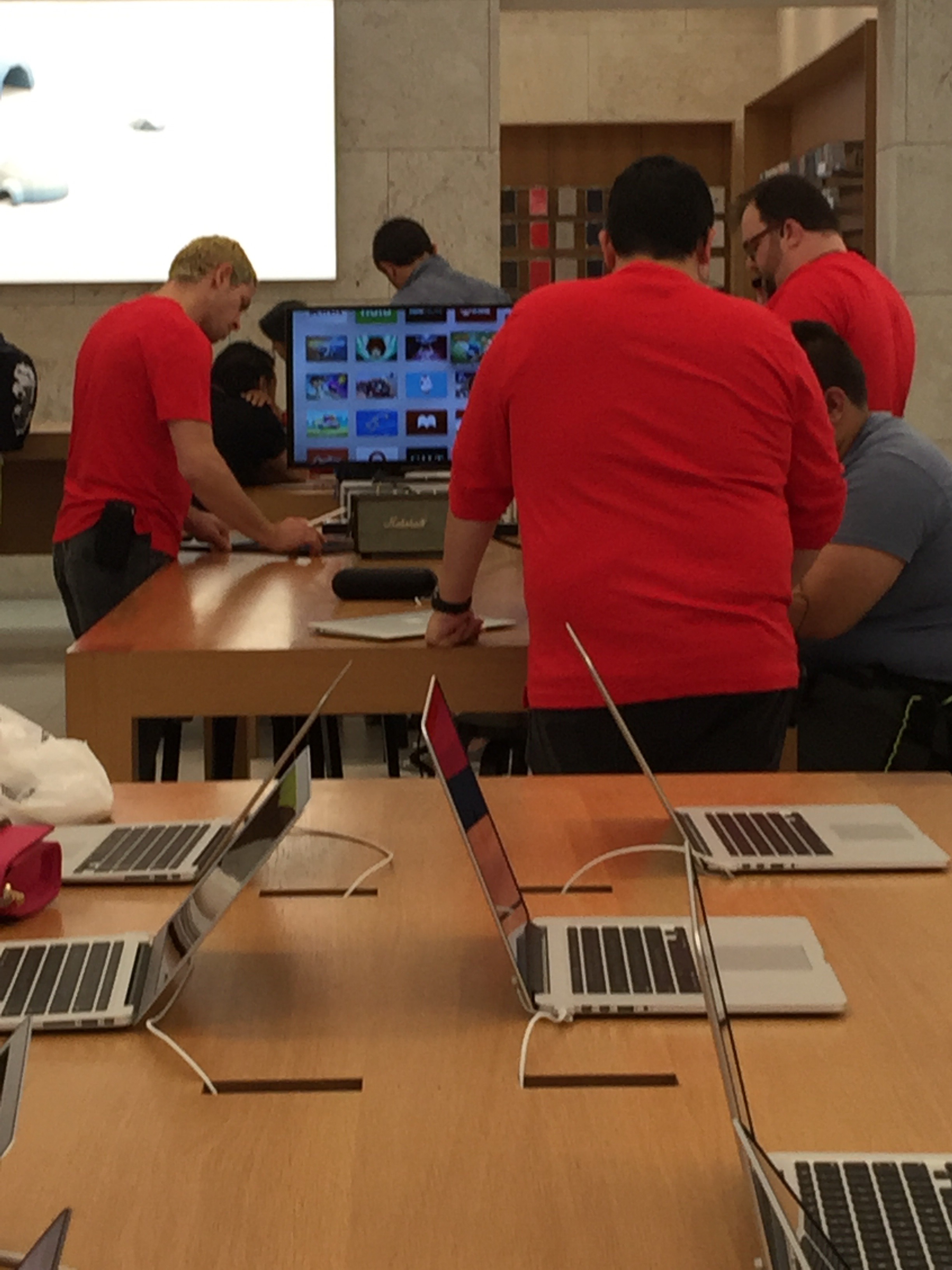
The lesson was out in the open and the instructor spoke through a mini mic. I could easily see and hear everything.
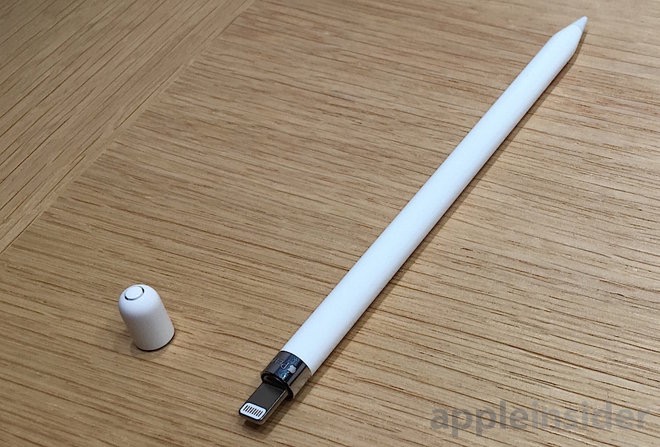
This is the Apple Pencil. You can charge it through the iPad or wall socket. It only takes 10 to 15 minutes to charge and lasts all day.
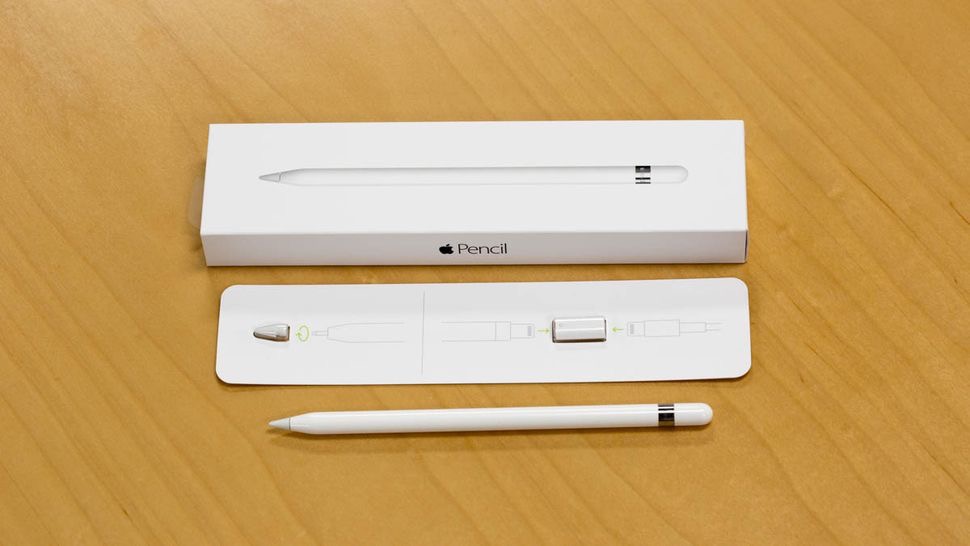
This is the packaging for the Apple Pencil. You don’t need to keep it. I was told the Apple Pencil should be treated like any other pen or pencil but don’t get it wet. Hold on to the extra tip and mini charger connector for the wall socket.

Notes is perfect for the Apple Pencil. No charge.
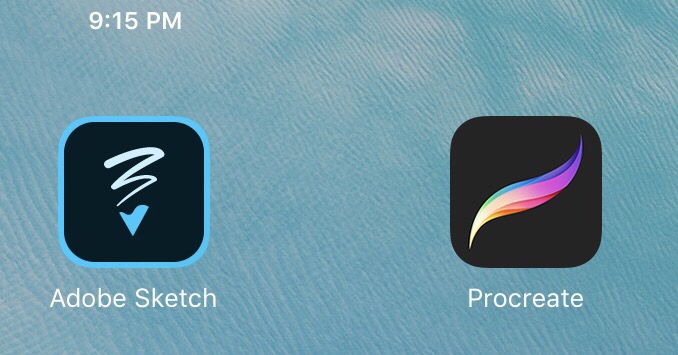
Adobe Sketch was free and Procreate was $6.00. Each app offers all kinds of new and different features.

My email appointment confirmation.

I don’t know why but my favorite doodle word is “Queens.” My first effort using the Apple Pen.

Learning to use the ruler and how to access the selection of colors.

Practicing and experimenting.


For those of you who are artistically inclined, drawing on an iPad will just be an extension of your creative talents. For me, and others like me, a whole new world just opened up.

Foldable Phone 

I don’t think most people are anxious to buy a new Samsung cell phone. However, that doesn’t mean if the manufacturer came  up with something completely new that a lot of folks wouldn’t change their minds. 

The tech industry just found out that Samsung filed a patent with the Korean Intellectual Property Office for a foldable smartphone. That’s huge news for those of us who want the convenience of a more compact cell. 

Those in the know, say Samsung is planning for a device that features a screen that bends and folds.That reminds me of the old flip phones. The Verge, the tech site, showed a sketch of what this could look like. The numbers represent where the folds are situated. 

Korea Intellectual Property Rights Information Service

Korea Intellectual Property Rights Information Service

 
I predict that this is the cell phone of the future. Not a word about price and availability. When I find out more, I will let you know.

Sheila Elias’ iPad Creations 

It’s amazing how the iPad has entered the serious world of art creation and collecting. Sheila Elias, a multi-talented artist whose work has been shown around the world, is a leading force in iPad art creations.  I’ve written about Sheila before. Click here.

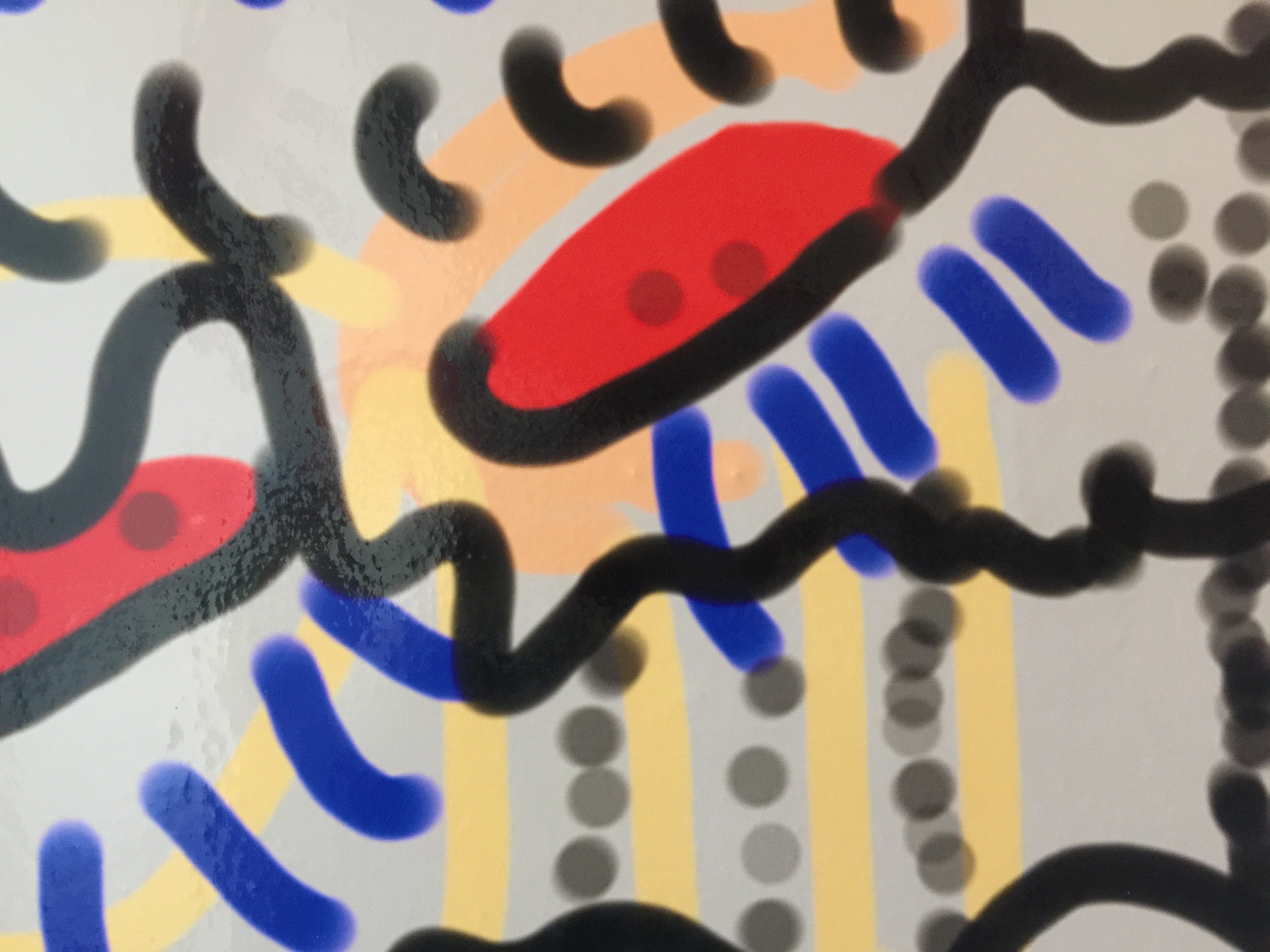
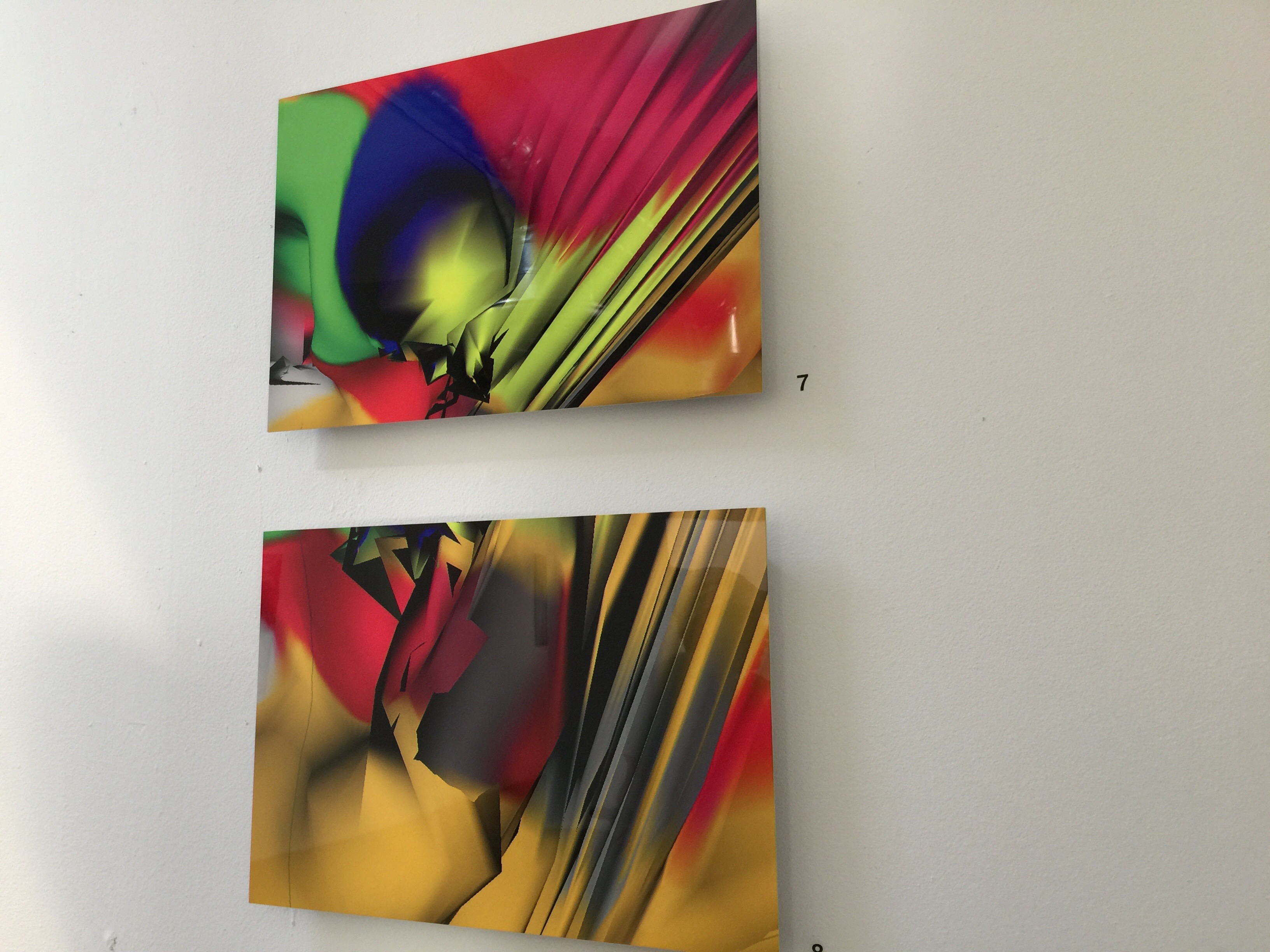
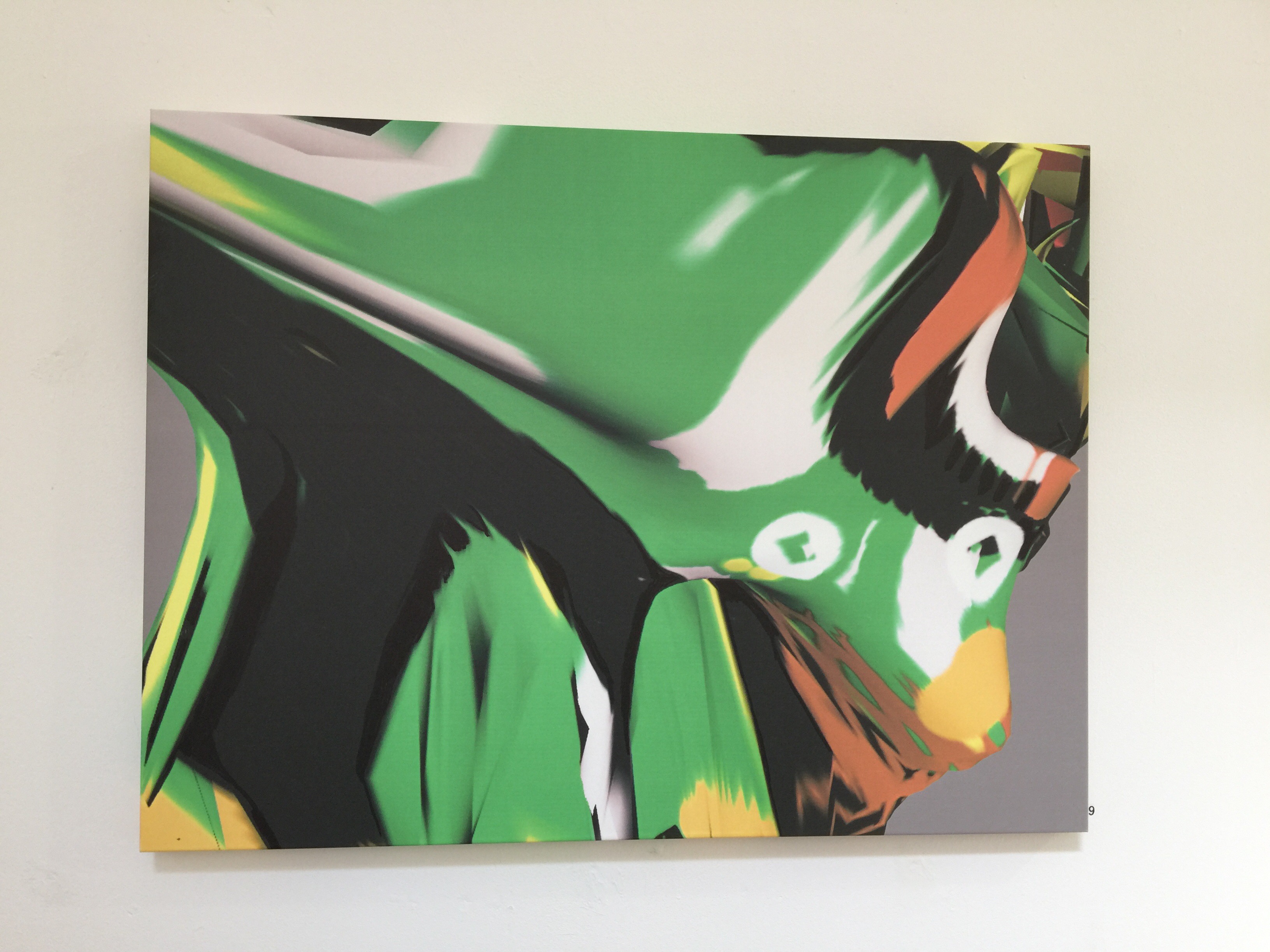
Look at some of these amazing pieces of art. Sheila prints her work on aluminum, canvas, and paper. She loves working on the iPad because she can create her art on-the-go.  It has given her the ability to instantly express herself and take advantage of spontaneous ideas. She loves it.

It’s truly wonderful that a mature artist can truly appreciate the benefits of digital  technology. 

Congratulations Sheila.

Great Balls On Fire 

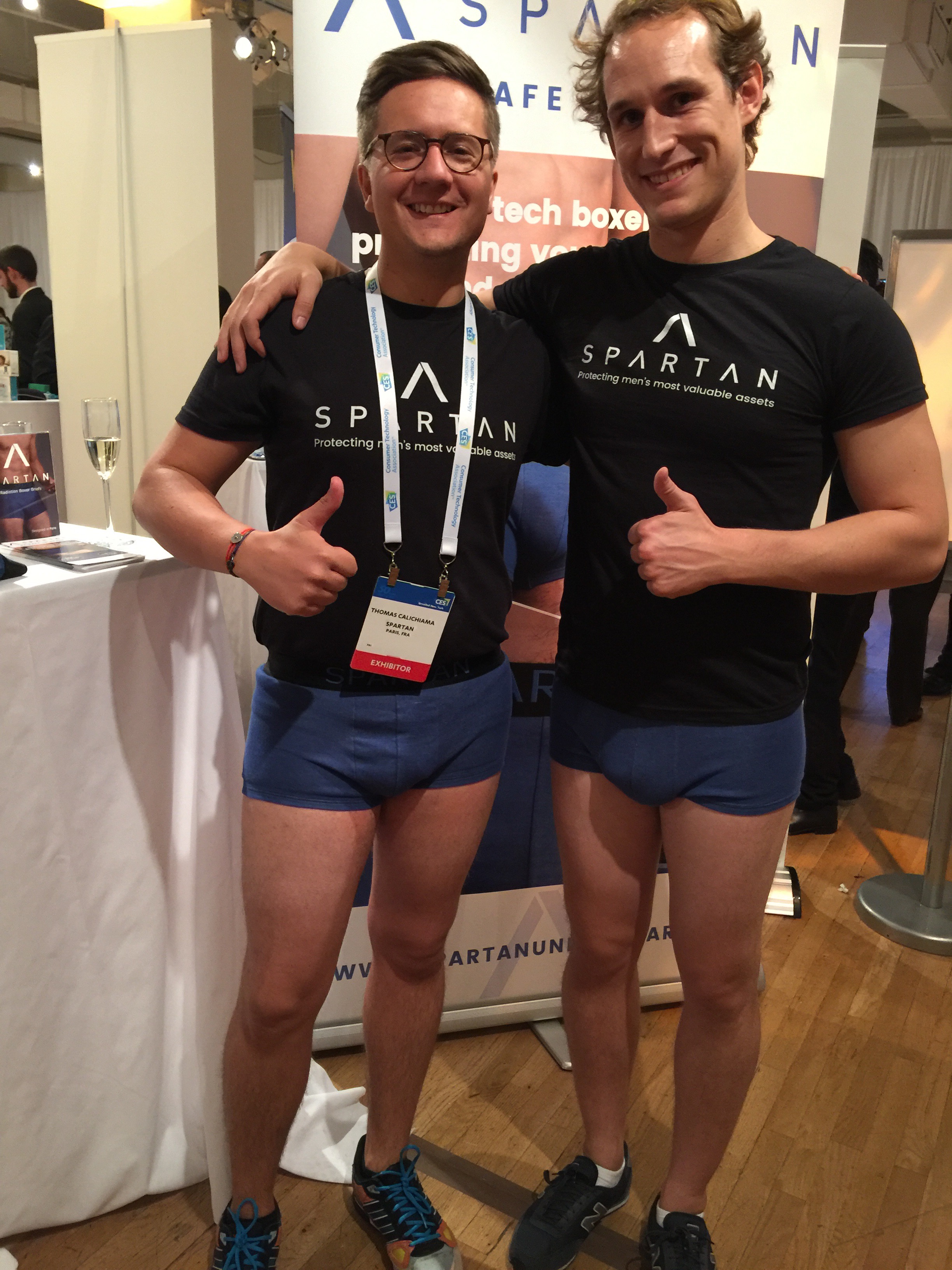
I can’t make this stuff up. A company called Spartan Underwear, from Paris, France, was at @CES Unveiled New York (trade exhibition) today showing off high tech boxer briefs that protect a man’s private parts from wi-fi and cellphone radiation. You may want to tell your sons and grandsons about this.

Meet Arthur Menard, Co-founder and CEO


The underwear is made of anti-bacterial silver fibers. The company brochure says, “A number of major scientific institutions around the world have raised alarms over the harmful effects of wireless radiation on male fertility, especially if smartphones are carried around in the pockets of pants. 

“At Spartan, we don’t want to stop using technology or change our habits to stay safe. We developed a high-tech  fabric by incorporating silver fibers into our cotton weave which together act as an electromagnetic shielding.”

I have included a video which explains the entire concept. Each undie is about $45.00. A small price to pay to protect your worldly goods.

Turn Your iPhone Into A Magnifier

I owe this one to David Pogue. When I read his column in Yahoo, about turning the iPhone into the world’s best magnifying glass, I knew I had to get DigiDame readers this information immediately.


As Pogue points out, this is just perfect for dim restaurants, tiny type on packages, and theater programs.

All you have to do is: 

“Open  Settings -> General -> Accessibility -> Magnifier, and proceed as shown in the video.”
Click here to see a video demonstration.

I hope the world is a better place for you to view tomorrow night.

Enjoy this handy new gadget.  


Catching The Zzzzz

I can’t make this stuff up. 

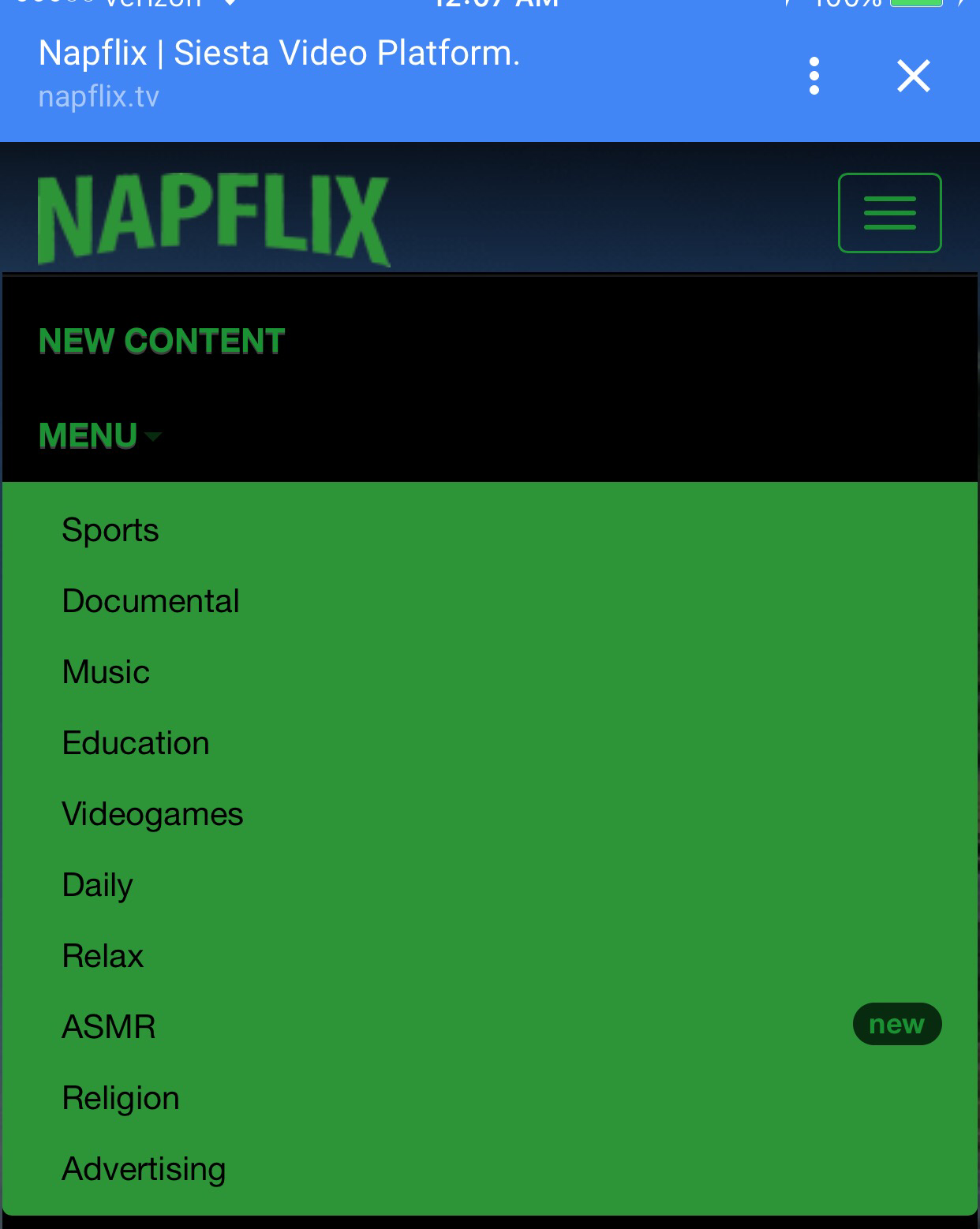
There is a website called  Napflix. Yes, it’s like Netflix except that it provides videos that make you fall asleep. There are hundreds of videos to choose from that relaxes your brain so you can easily fall asleep. The videos, curated from YouTube, are so boring that even insomniacs will pass out. 

Many medical men claim that looking at a screen is a terrible way to fall asleep. Truth be told, many people rely on white noise or boring videos to help them combat insomnia. 

Whatever works. 

Check out these videos. 

Central Park

Meditation Candle 

Rain

Goodnight 

Meditation On-The-Go

If it wasn’t for Headspace, I don’t think I would have made it through the elections. It’s as simple as that. I needed something extra to get me away from all the noise. 

Through Google, I found the Headspace app. I later found out Headspace is now one of the most buzzed-about meditation apps. It was developed by a Buddhist from Venice, CA. 

Other well known meditation apps are: Buddhify, Omvana, Smiling Mind and Dharma Seed.

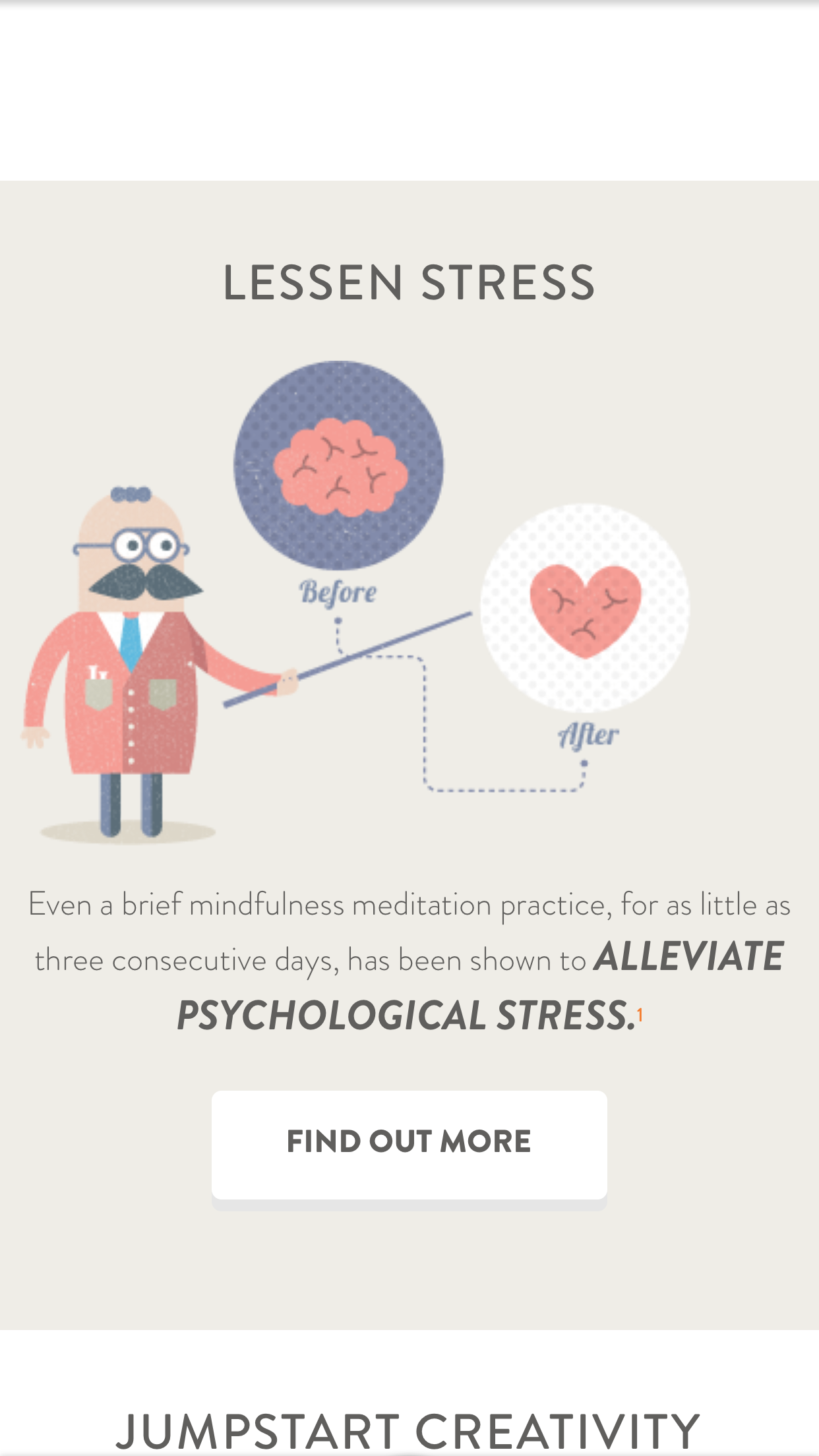
Headspace uses animations and videos to help you relax and get into a peaceful state. I would love you to try it and give me your feedback. 

This one is perfect for me because I can start and stop easily. I tend to fall asleep and often need to go back and experience the session again. Don’t tell anyone. Thanks.

I’m Dressed For Skype 


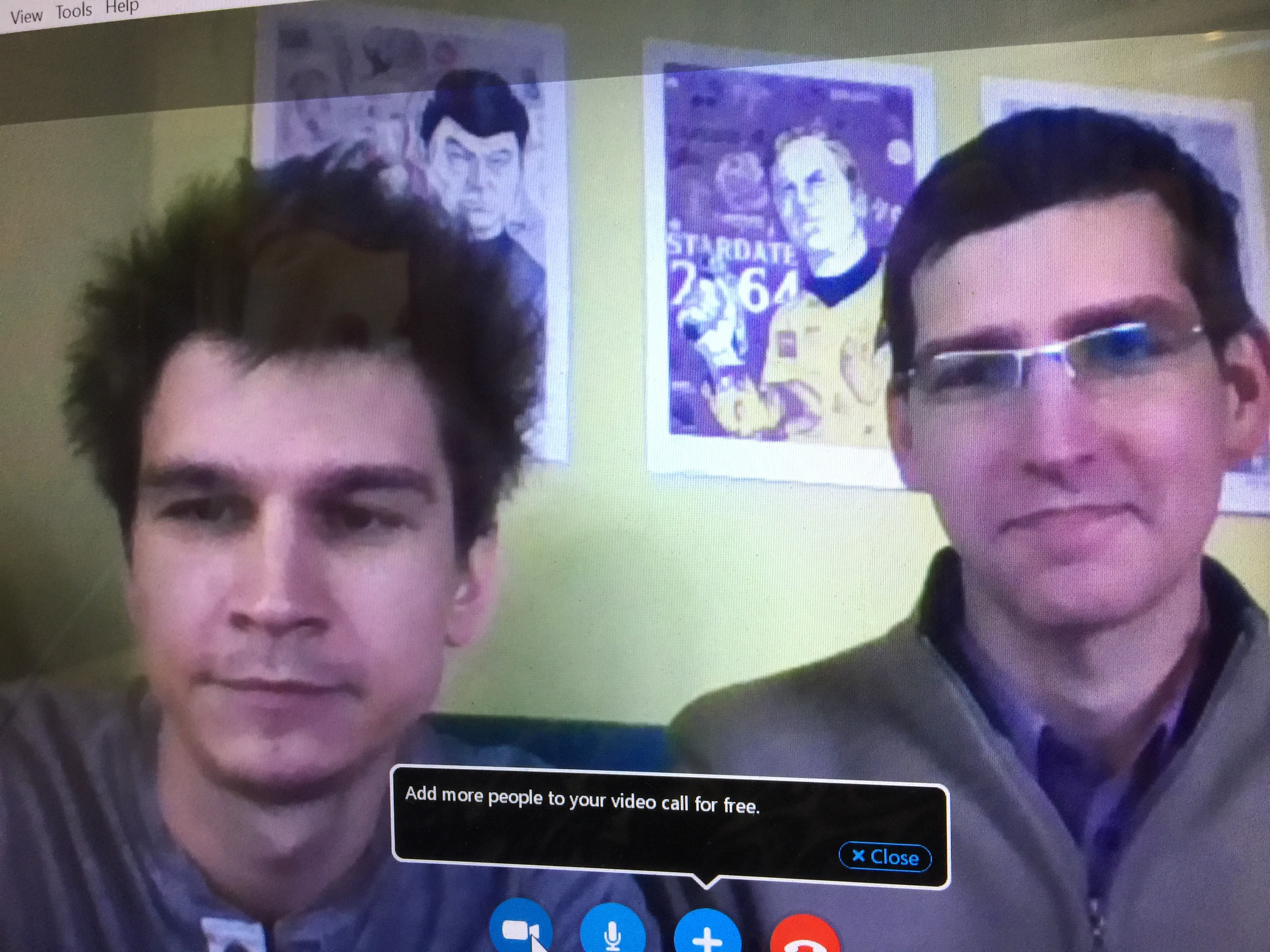
There are days that I have Skype calls in the wee hours of the morning. I had one today. It was a new business call with a start-up in Estonia, called Soma Smart Home. They make a gadget that allows you to open and close your shades with a push of a button. No need to spend a lot of money for a major installation. Soma allows you to do it with an app.

Most of my Skype calls require looking at others face-to-face. That means I have to shower, get dressed, and apply make up, many hours before I am ready to start the day.

I certainly don’t want to do that. I decided that I needed to create an outfit much like TV personalities do when they sit behind a desk. I now dress from the waist up. Actually, I dress from the chest up. I keep on my night  clothes, throw a scarf around my neck, put on lipstick and my shaded glasses. 

It works. I find this all so amazing.  I’m conducting business in my PJ’s. If the two guys I spoke to noticed, they certainly didn’t indicate it. They gave me a tour of their offices and showed me new products from their computer screen. We had a great hour-long meeting where we discussed challenges and solutions. Both sides have their marching orders. 

It all worked out great. After the call, I hopped back into bed for a few extra zzzzz. 

We live in amazing times, especially for those of us who want to work on our own terms.

My Emails, Etc., Now Talk To Me

Presentation Magazine


I am probably on my iPhone, or iPad, more than anyone in the world. I can’t imagine anyone who uses these devices more than me. 

I use it for everything: telephone calls,  address book, camera, emails, texts, social media, news alerts, charity work, fund raising, apps, games, newspapers, books, research, shopping, photo storage, coloring, blogs, videos, music, movies, tv shows, and about 20 other things. 

You can’t imagine my excitement when I learned tonight, from a WordPress buddy,  that I can now have everything read to me on my iPhone.  That means by enabling the “accessibility setting,” I can make my iPhone read the text of whatever I happen to be looking at. Yes, texts, emails, magazines, Google, Wikipedia, on and on.

This feature is so important to seniors. I find that unless I really wash my face thoroughly when I wake up in the morning, or take a shower immediately thereafter, the type on my iPhone becomes blurry and faded. 

If I have an urgent work deadline early in the day, this has been a problem. Not anymore. I will just have the words read to me. We all get the choice of the type of voice and language we want to hear. 

I wanted to get you the best explanation on how to make this all work. I found that CNET had the best details. Thank you Matt Elliott of CNET for a really cool story. Click here for the post.

Here is a quick look at what Matt says. 

“To enable the setting, head to Settings > General > Accessibility > Speech and toggle the switch on for Speak Screen.

“With this setting enabled, you can swipe down with two fingers from the top edge of your screen and a voice will begin reading whatever text is on the screen. A small control panel appears that lets you pause the speaking voice, skip slightly forward and back, and speed up or slow down the speaking rate.”

I’m now celebrating my new iPhone feature, the Cubs historical win, and the first woman President of the United States. 


Someone Else Is In The Bedroom With Eliot And Me  

I almost jumped out of my skin the first time Alexa started talking to us late one night when Eliot and I were watching TV. We were both in bed, just about to doze off, when a rather loud female voice asks us, “How can I help you?”

I thought it was a home invasion. I got so scared. I screamed. Then I realized the little  robot across the room must have heard her name from the TV and woke up. Eliot and I had a good laugh after our hearts stopped racing. 

Eliot received Alexa from the Greenberg clan for his 70th birthday. I was initially more exited than Eliot, but now he is finding new applications for the unit all the time. She plays our music, spells words, gives us the weather, provides news, reads books out-loud, and now does some of our shopping. Yes, there are specials sales that she announces everyday. 

The unit is the Amazon Echo, but the brains are Alexa. Eliot uses a lot of technology but he is pretty amazed by all of Alexa’s capabilities. In fact, it’s a little overwhelming to have a robot that knows more than you. All you have to do is ask a question.

The Echo has seven microphones and a beam forming technology so it can hear us from across the room. Alexa is getting her smarts from the cloud so new information is being added all the time. Echo stays connected and updates itself automatically. 

The Echo is going to find its way to everyone’s home. It’s perfect for seniors who need help  turning  lights, switches, and thermostats on and off. 

Another bonus is that you can use a companion app to help manage all of the third-party skills.

All this for around $175. There are different models so you can pick a less expensive unit.

I think it’s worth going for the whole enchilada.

Thank you Greenberg’s.💋💋💋💋