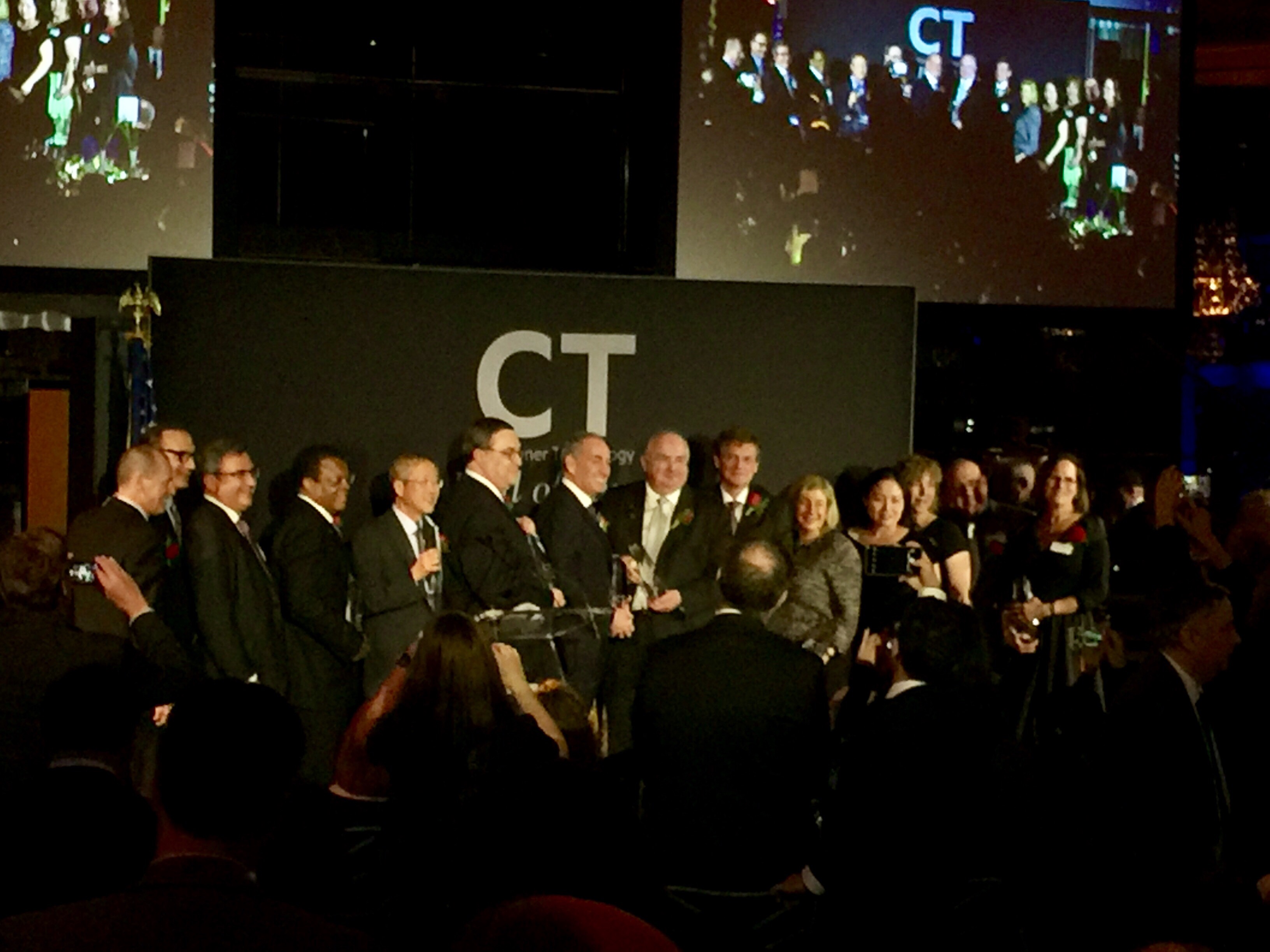
CT Hall of Fame Dinner

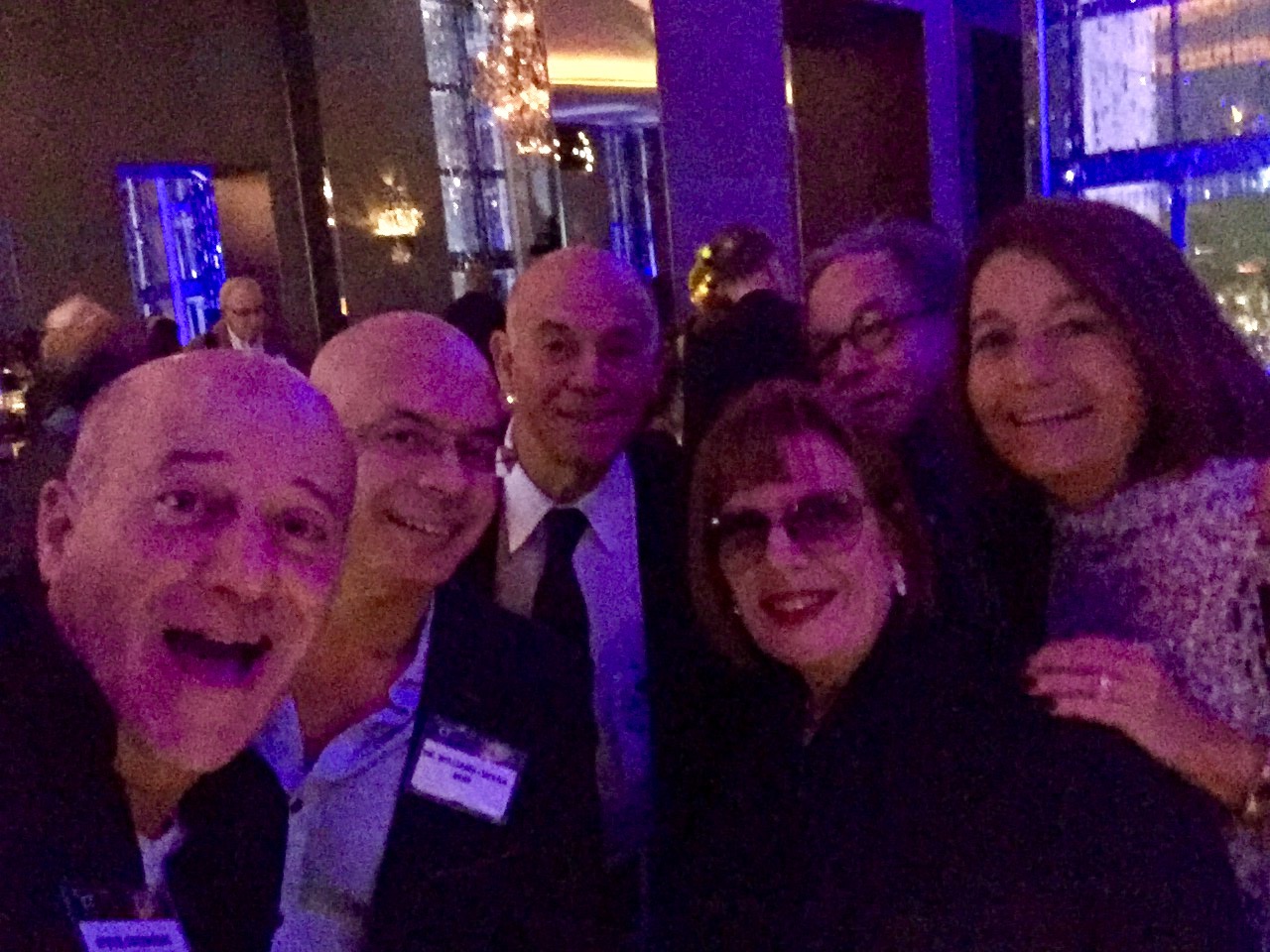
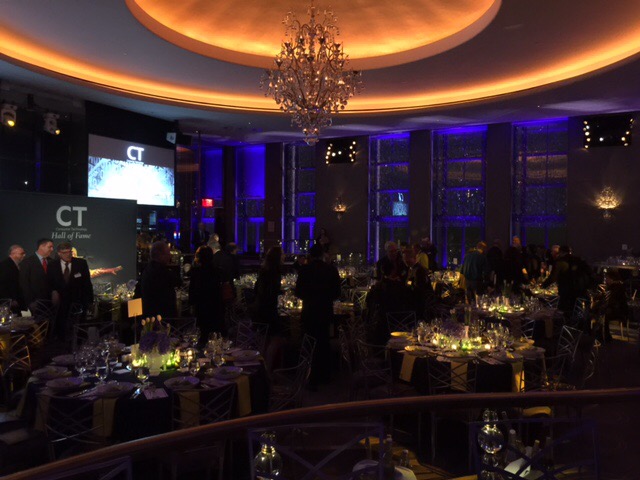
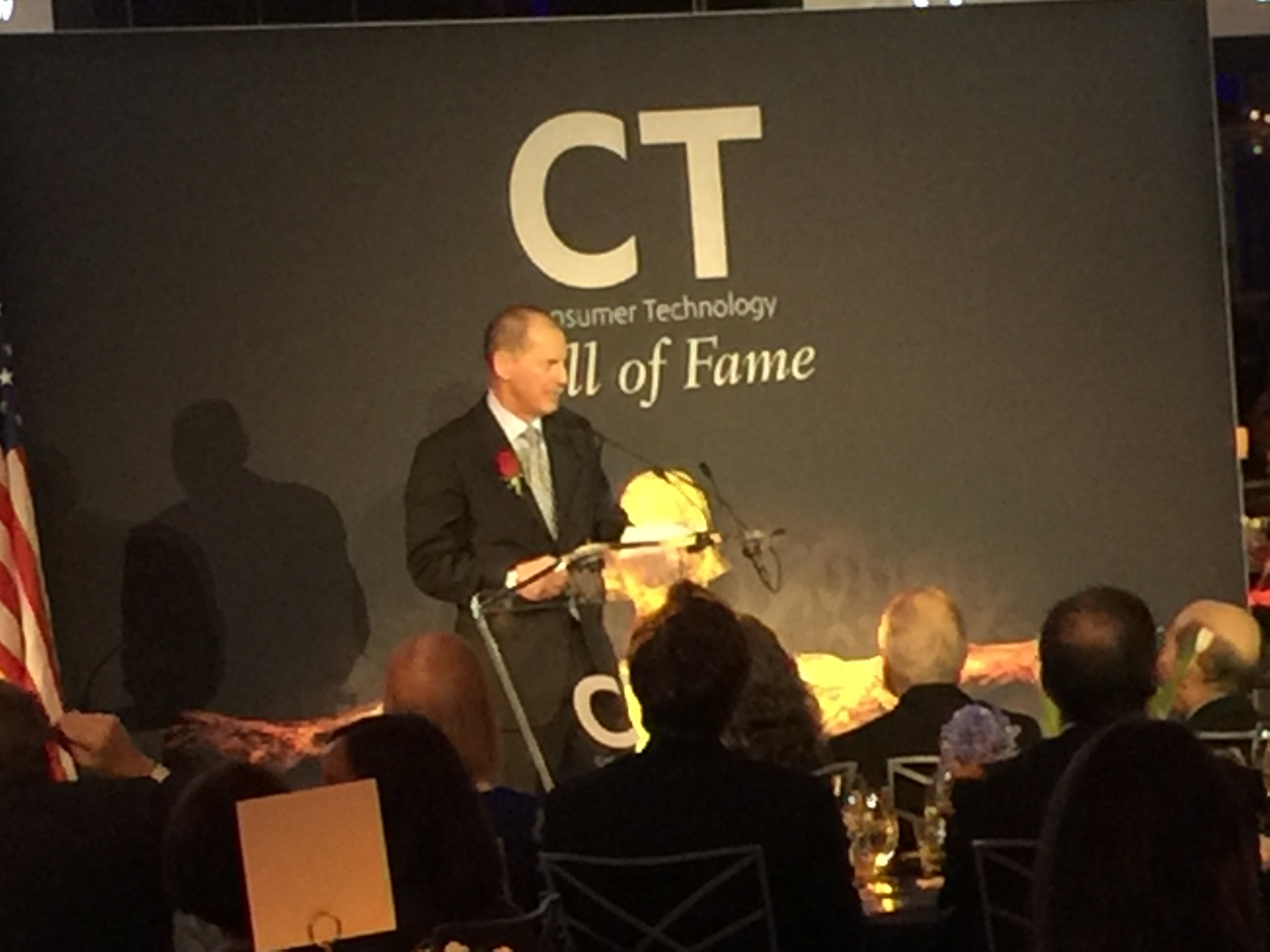
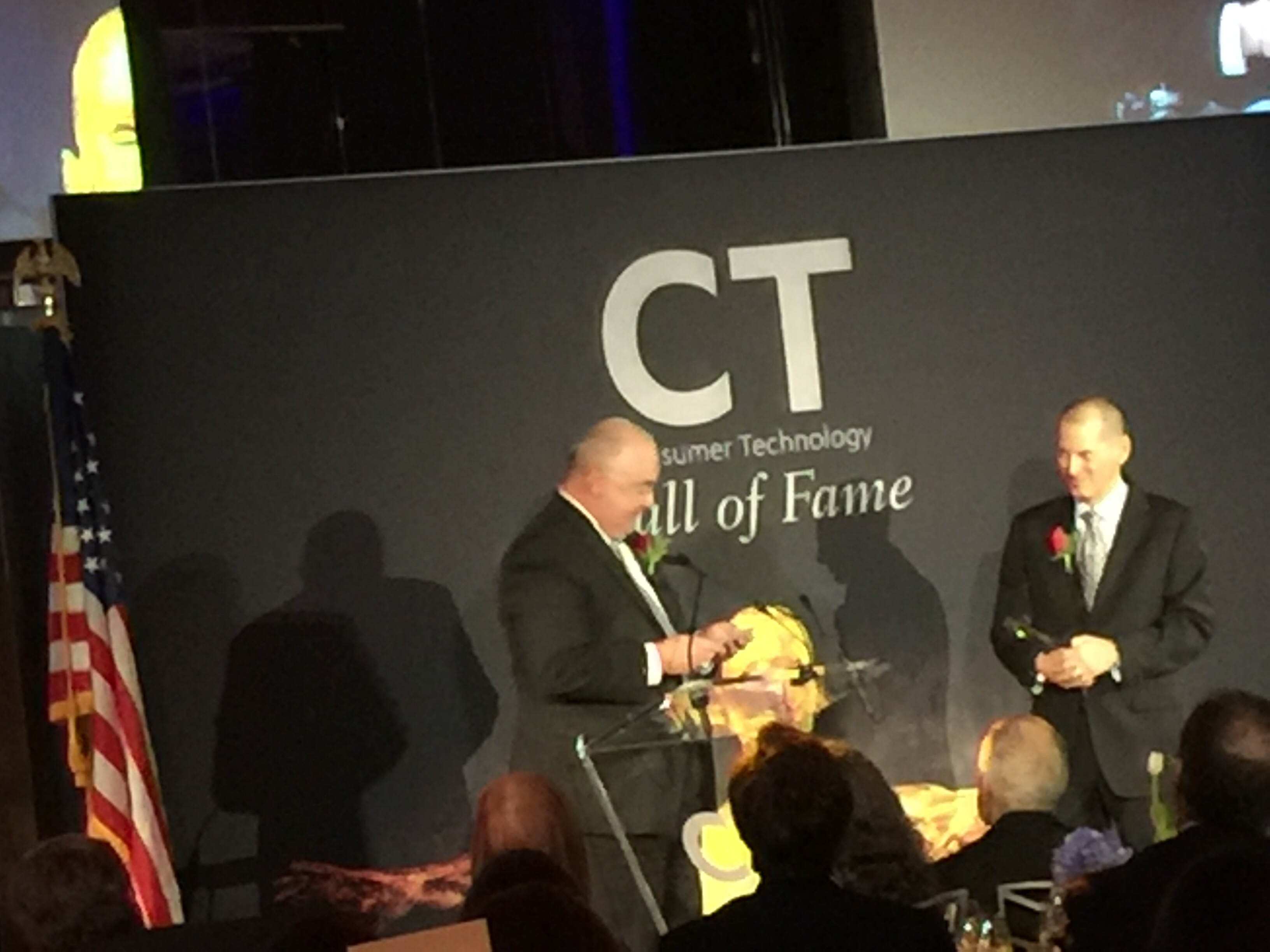
Congratulations Steve Smith on being honored by the CT Hall of Fame (Consumer Technology) at the Rainbow Room. It was a fabulous night. We are so proud of you. Steve was Editor-In-Chief of a tech trade magazine, called TWICE,  for many years, and other business journals. 

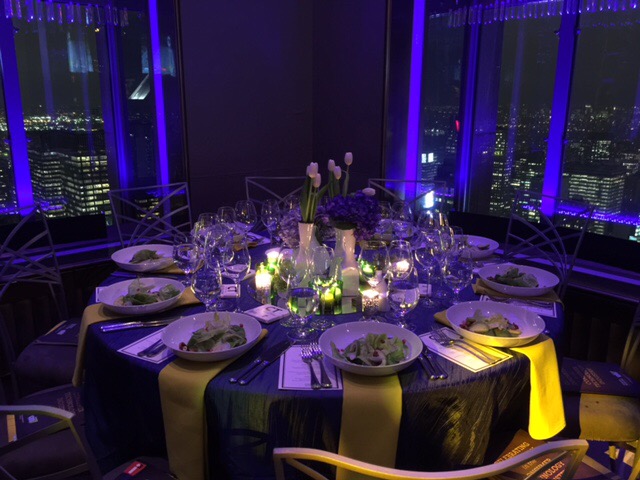
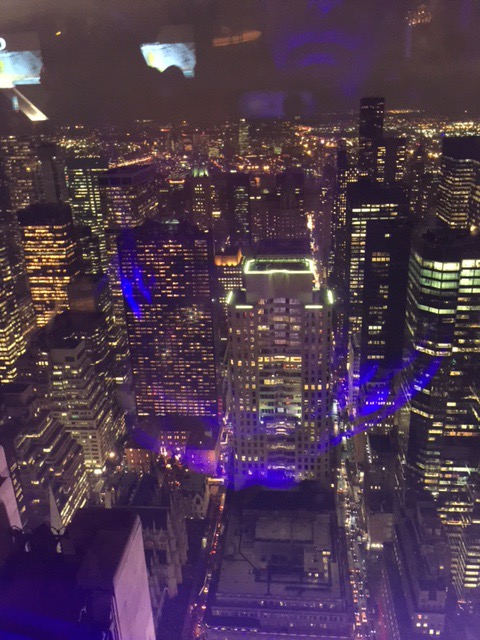
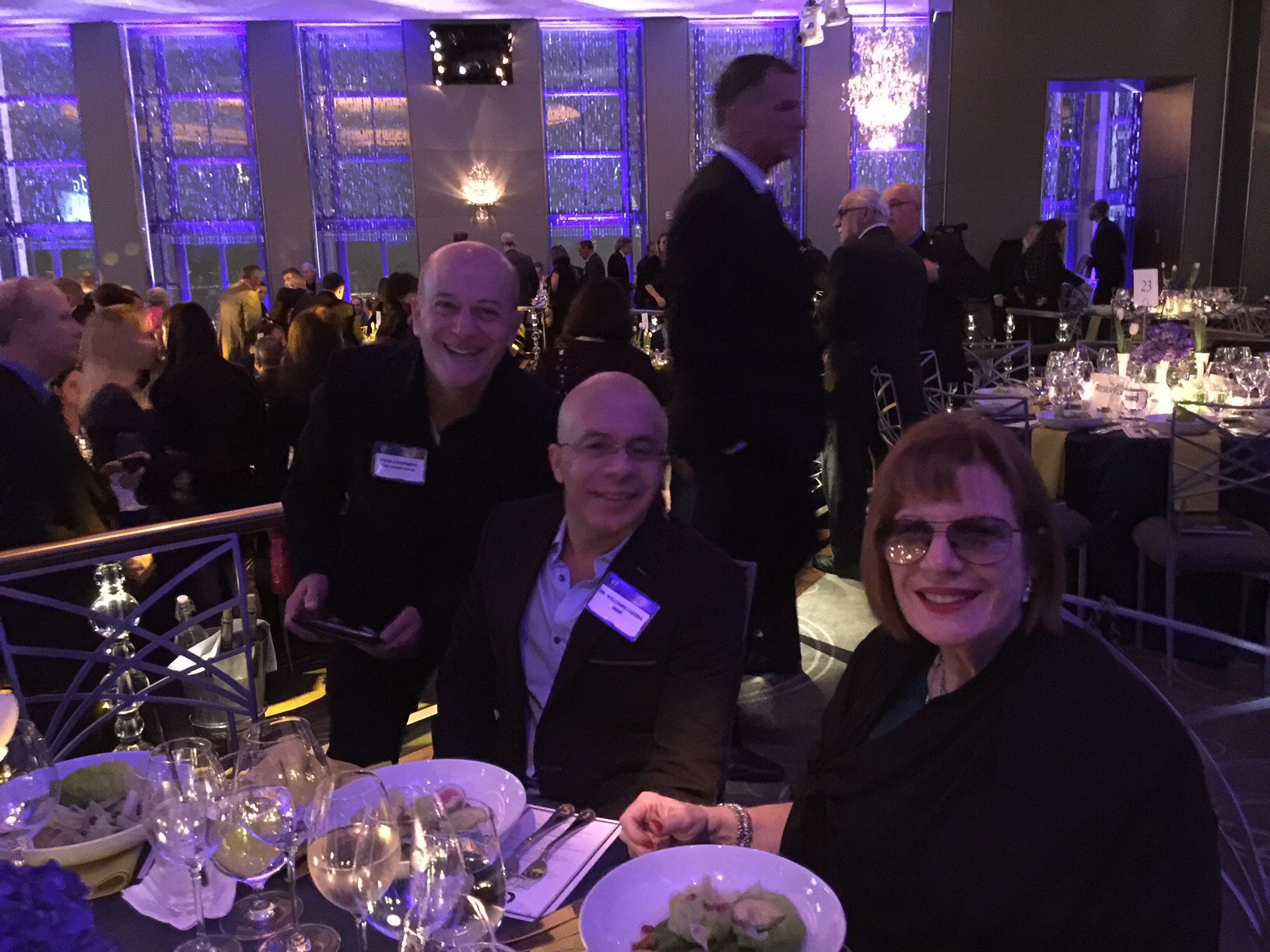
The Rainbow Room is still one of the most stunning restaurants and event spaces in the world. We were 64 stories up and the views were stunning. 

Below are pictures of pals who joined us to honor Steve. Photos two and three include gals ( Susan Schreiner and Robin Raskin) who are trailblazers in the tech business and it was wonderful to see them busy as ever.

Photo 8 is a long shot of Gary Shapiro, CEO of CES. Photo 9 is Steve getting his award from Gary.


Turn Your iPhone Into A Magnifier

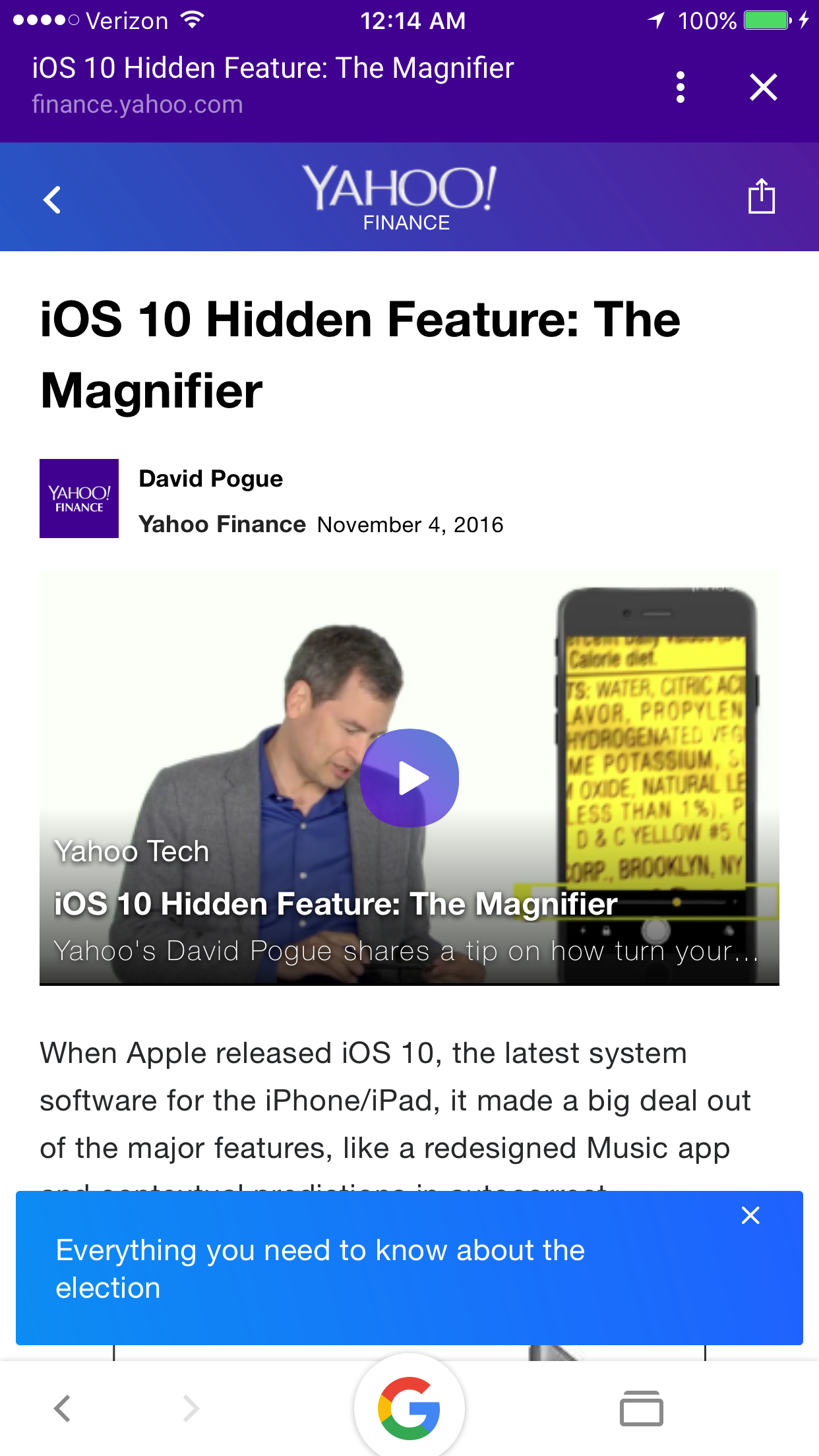
I owe this one to David Pogue. When I read his column in Yahoo, about turning the iPhone into the world’s best magnifying glass, I knew I had to get DigiDame readers this information immediately.


As Pogue points out, this is just perfect for dim restaurants, tiny type on packages, and theater programs.

All you have to do is: 

“Open  Settings -> General -> Accessibility -> Magnifier, and proceed as shown in the video.”
Click here to see a video demonstration.

I hope the world is a better place for you to view tomorrow night.

Enjoy this handy new gadget.  


Catching The Zzzzz

I can’t make this stuff up. 

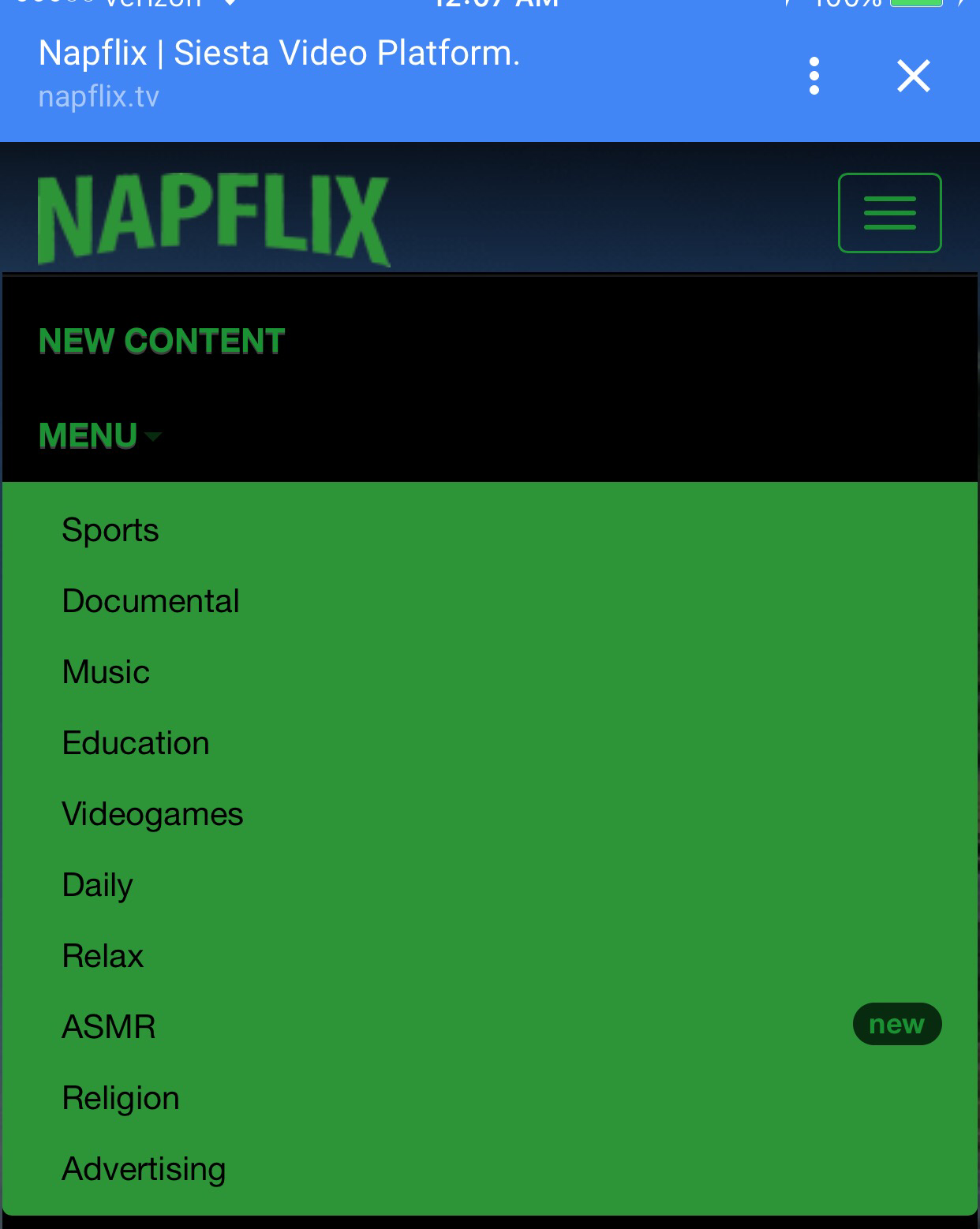
There is a website called  Napflix. Yes, it’s like Netflix except that it provides videos that make you fall asleep. There are hundreds of videos to choose from that relaxes your brain so you can easily fall asleep. The videos, curated from YouTube, are so boring that even insomniacs will pass out. 

Many medical men claim that looking at a screen is a terrible way to fall asleep. Truth be told, many people rely on white noise or boring videos to help them combat insomnia. 

Whatever works. 

Check out these videos. 

Central Park

Meditation Candle 

Rain

Goodnight 

Meditation On-The-Go

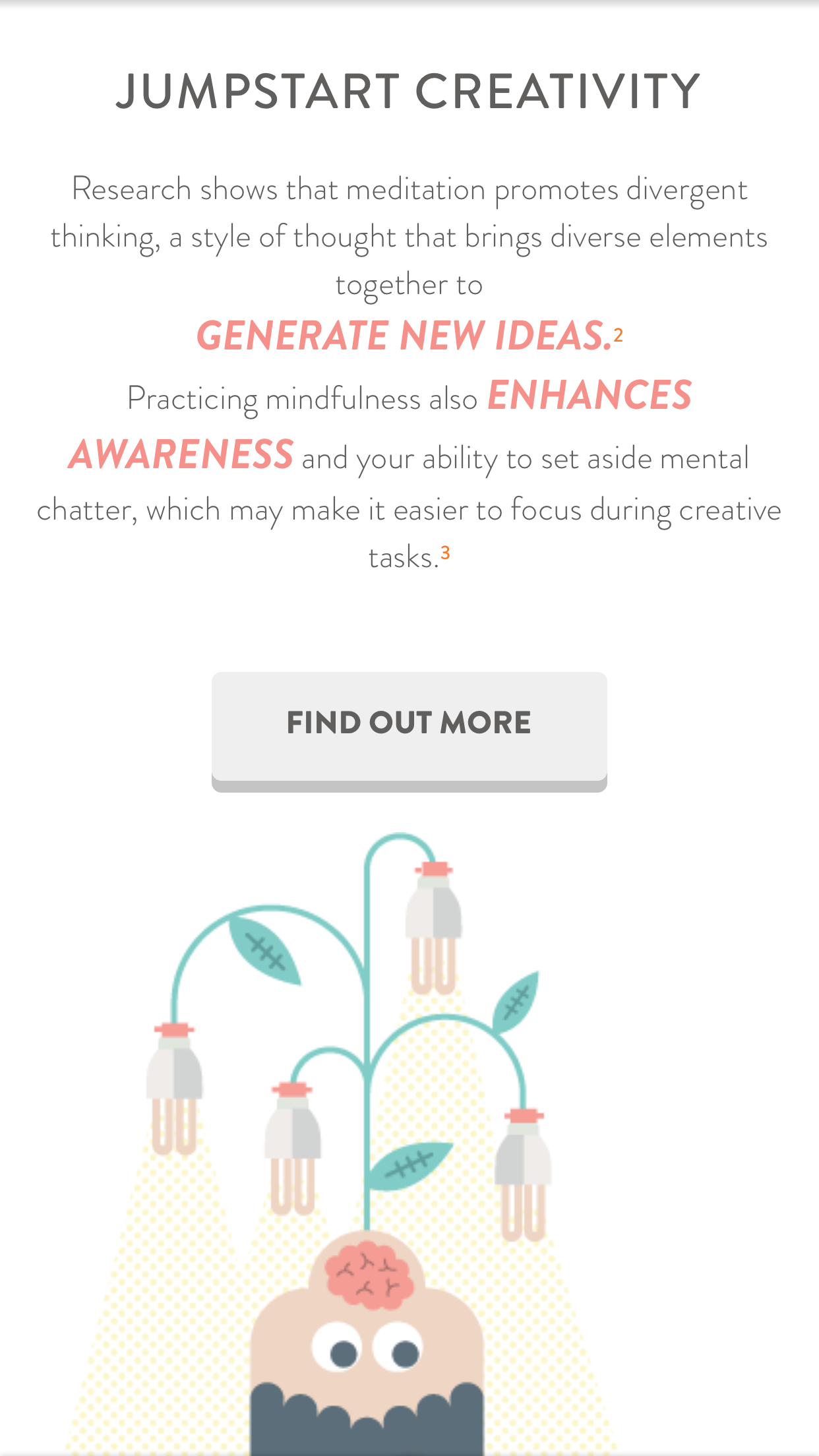
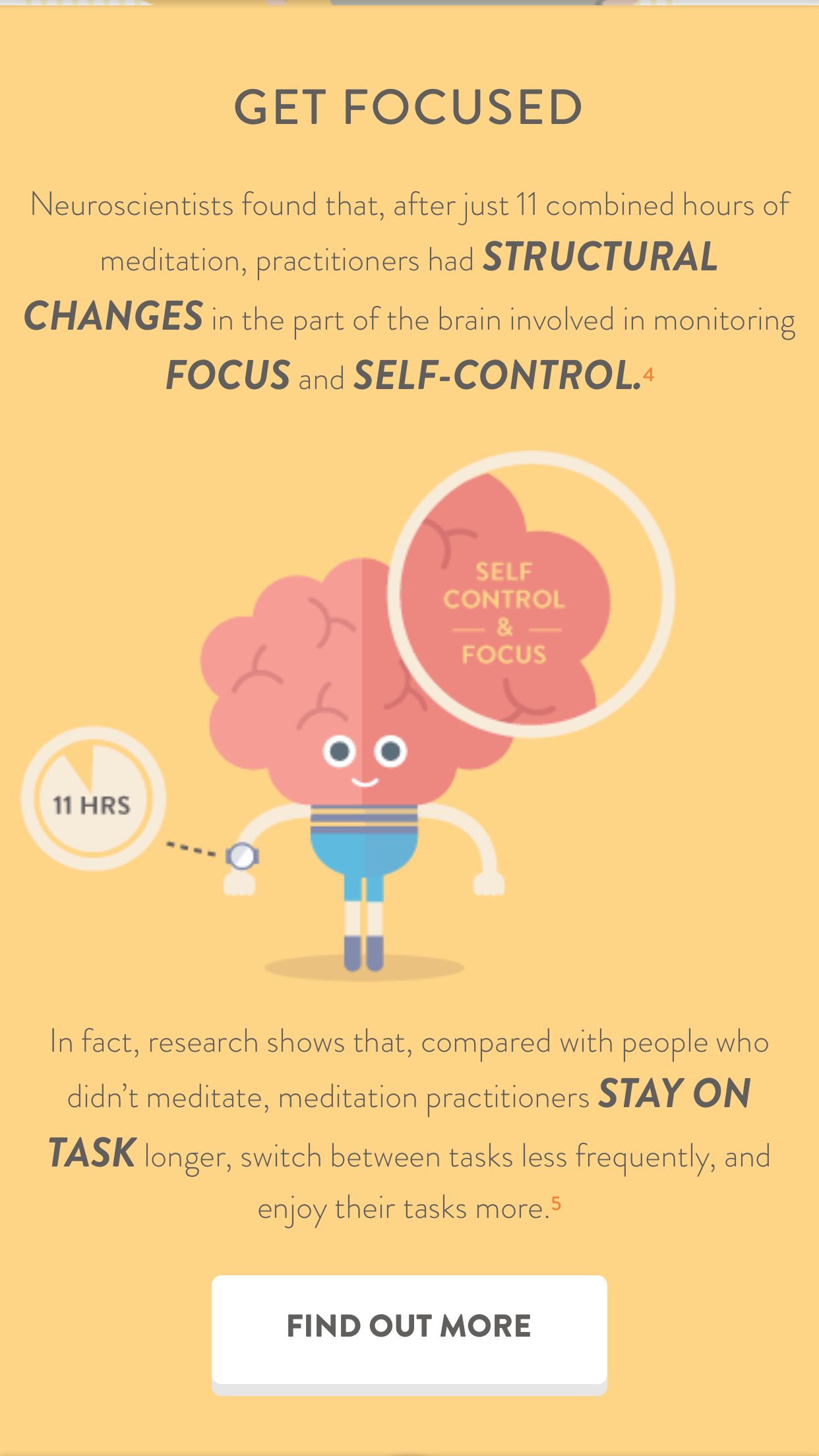
If it wasn’t for Headspace, I don’t think I would have made it through the elections. It’s as simple as that. I needed something extra to get me away from all the noise. 

Through Google, I found the Headspace app. I later found out Headspace is now one of the most buzzed-about meditation apps. It was developed by a Buddhist from Venice, CA. 

Other well known meditation apps are: Buddhify, Omvana, Smiling Mind and Dharma Seed.

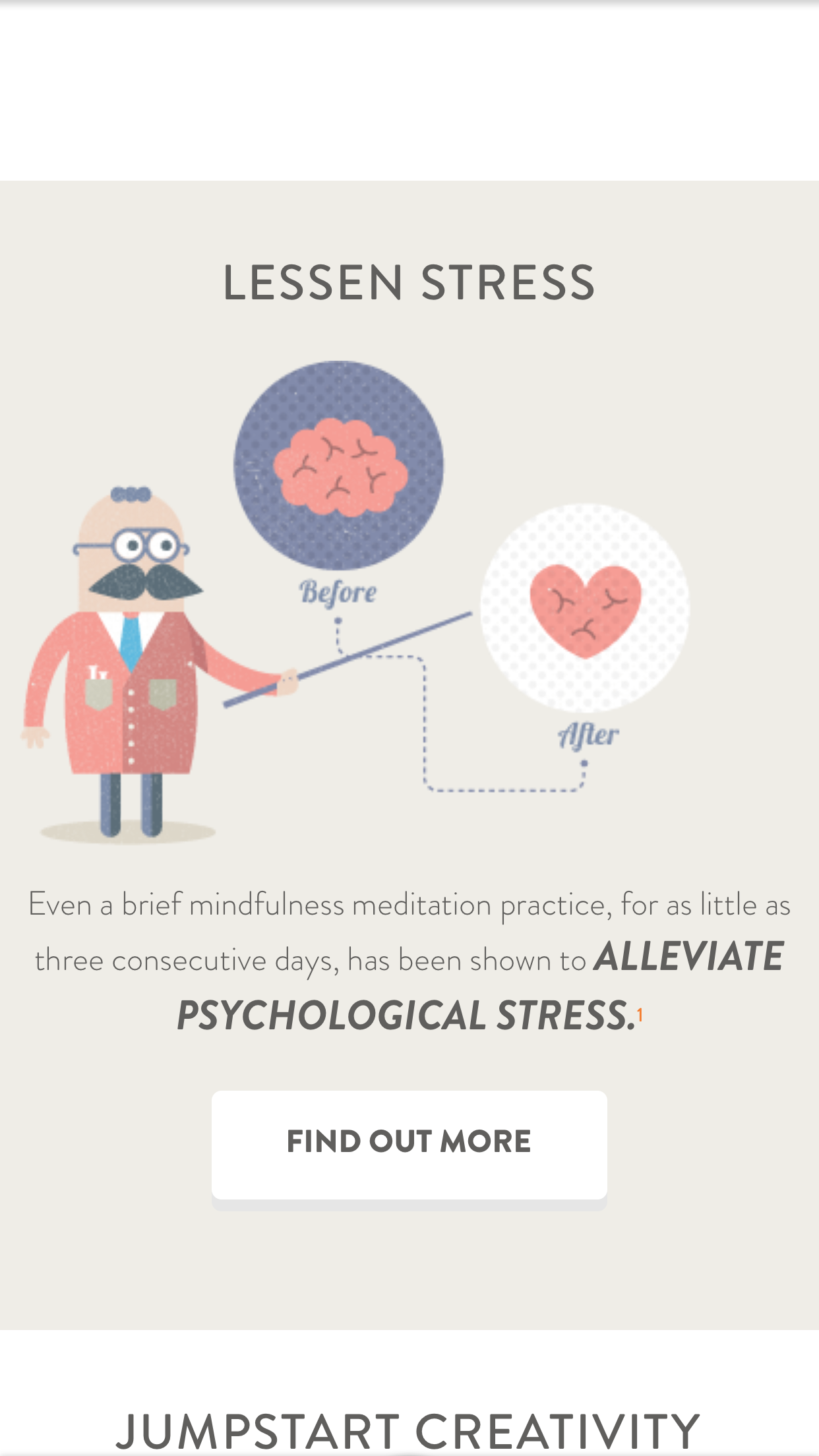
Headspace uses animations and videos to help you relax and get into a peaceful state. I would love you to try it and give me your feedback. 

This one is perfect for me because I can start and stop easily. I tend to fall asleep and often need to go back and experience the session again. Don’t tell anyone. Thanks.

Art Appreciation Online  

Let’s face it, most of us go to contemporary museums and don’t have the foggiest idea what we are looking at. 


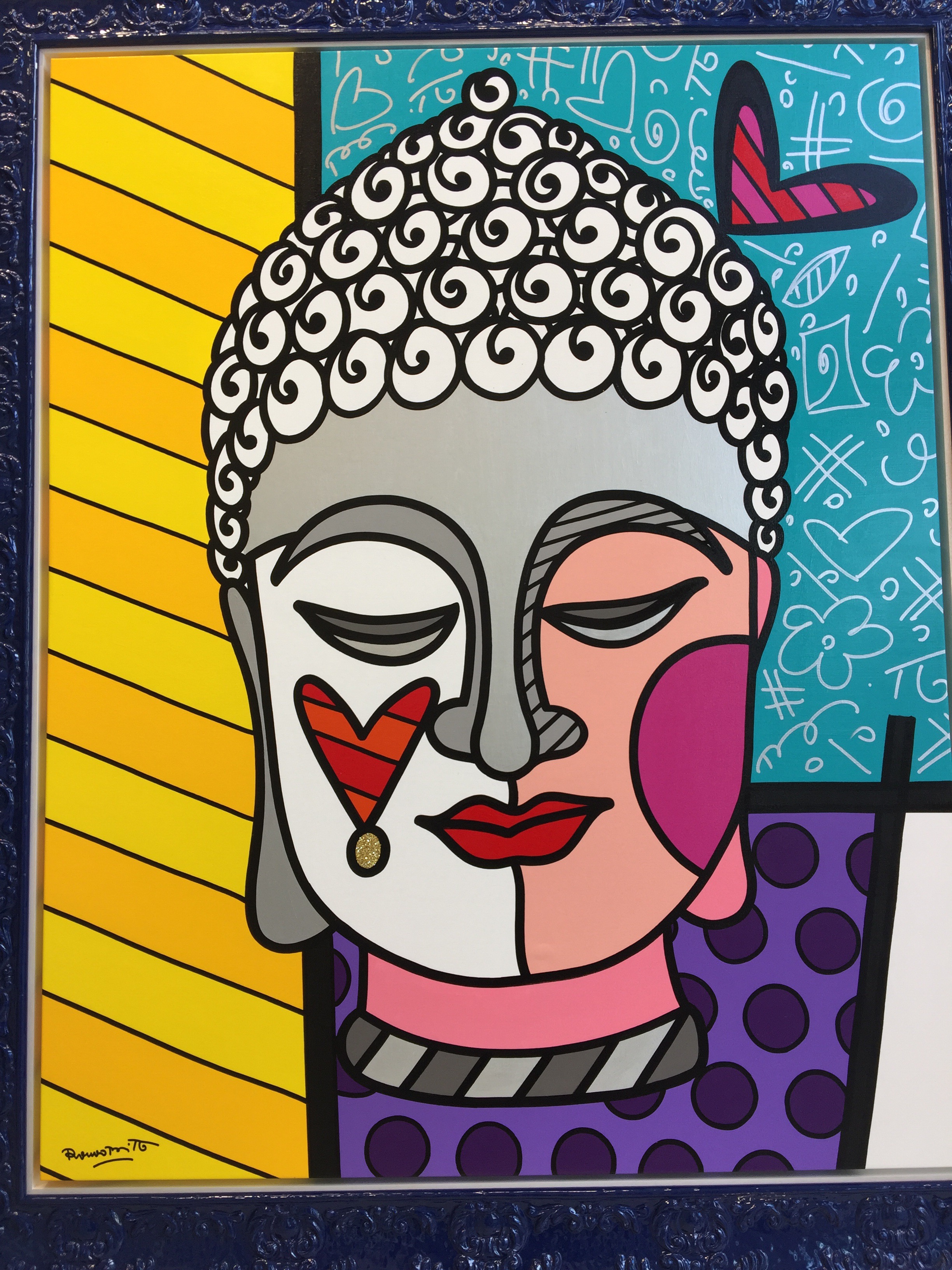
Personally, I love art that energizes me. I wanted to take an art appreciation course but who has time? Just when I thought this would never happen, I got an offer to take an online course from the Museum of Modern Art.

You can’t get that kind of authorization from anyone else. It’s just two hours a week. I can spare that. Join me. This  could be a rather fun journey. 


Museum of Modern Art,

Click here to learn more about this offer. It’s free. 

I’m Dressed For Skype 


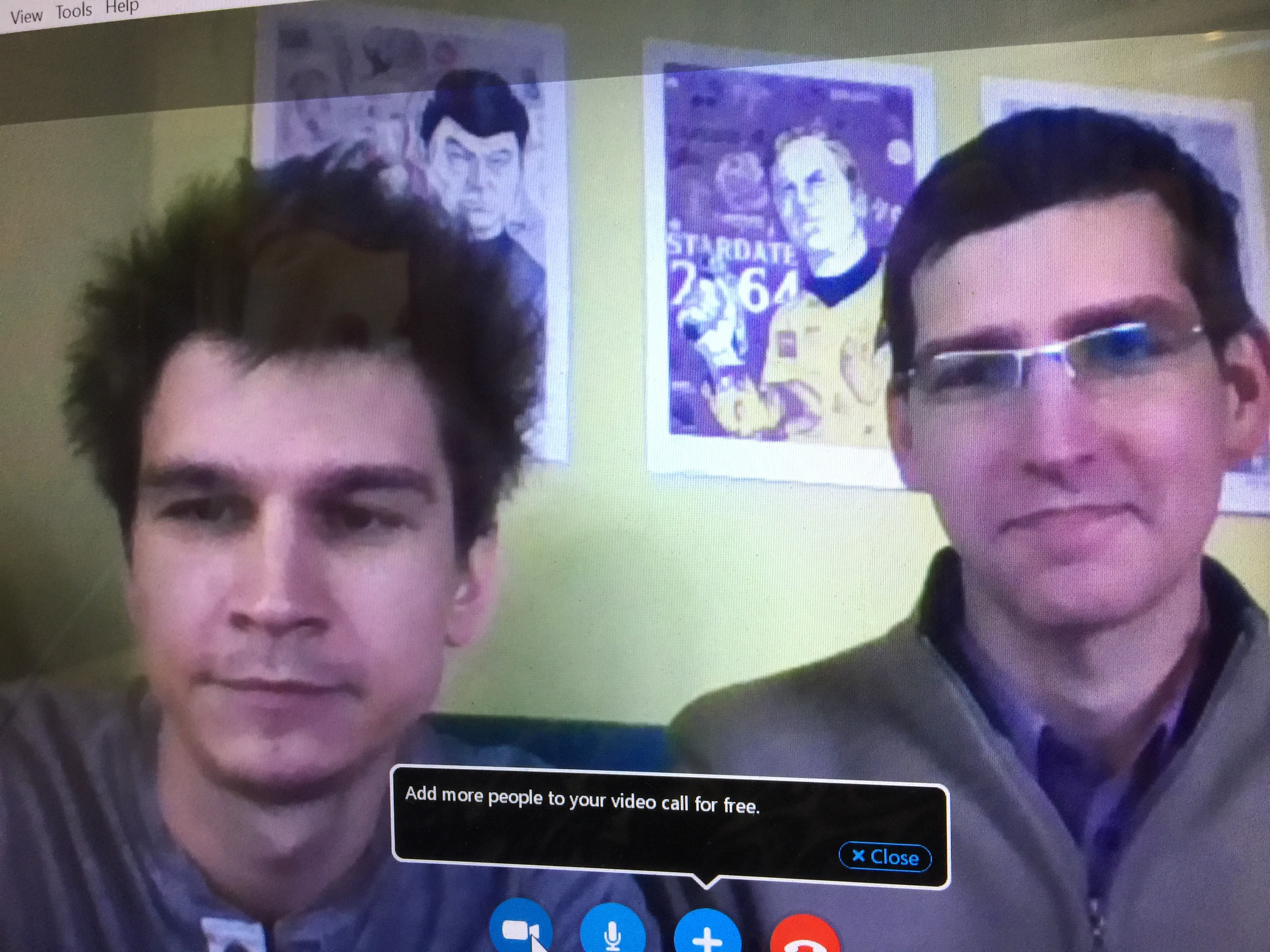
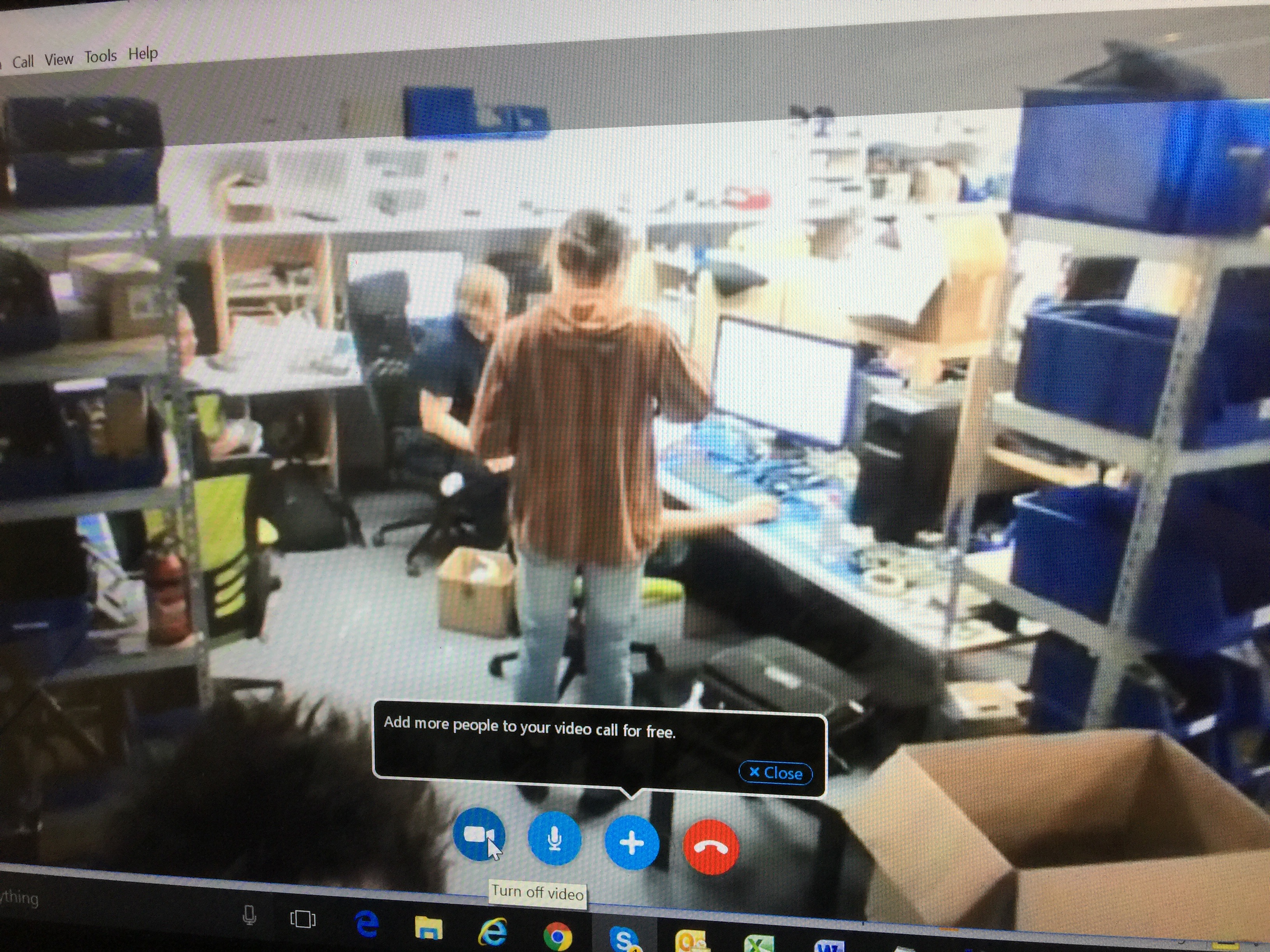
There are days that I have Skype calls in the wee hours of the morning. I had one today. It was a new business call with a start-up in Estonia, called Soma Smart Home. They make a gadget that allows you to open and close your shades with a push of a button. No need to spend a lot of money for a major installation. Soma allows you to do it with an app.

Most of my Skype calls require looking at others face-to-face. That means I have to shower, get dressed, and apply make up, many hours before I am ready to start the day.

I certainly don’t want to do that. I decided that I needed to create an outfit much like TV personalities do when they sit behind a desk. I now dress from the waist up. Actually, I dress from the chest up. I keep on my night  clothes, throw a scarf around my neck, put on lipstick and my shaded glasses. 

It works. I find this all so amazing.  I’m conducting business in my PJ’s. If the two guys I spoke to noticed, they certainly didn’t indicate it. They gave me a tour of their offices and showed me new products from their computer screen. We had a great hour-long meeting where we discussed challenges and solutions. Both sides have their marching orders. 

It all worked out great. After the call, I hopped back into bed for a few extra zzzzz. 

We live in amazing times, especially for those of us who want to work on our own terms.

My Emails, Etc., Now Talk To Me

Presentation Magazine


I am probably on my iPhone, or iPad, more than anyone in the world. I can’t imagine anyone who uses these devices more than me. 

I use it for everything: telephone calls,  address book, camera, emails, texts, social media, news alerts, charity work, fund raising, apps, games, newspapers, books, research, shopping, photo storage, coloring, blogs, videos, music, movies, tv shows, and about 20 other things. 

You can’t imagine my excitement when I learned tonight, from a WordPress buddy,  that I can now have everything read to me on my iPhone.  That means by enabling the “accessibility setting,” I can make my iPhone read the text of whatever I happen to be looking at. Yes, texts, emails, magazines, Google, Wikipedia, on and on.

This feature is so important to seniors. I find that unless I really wash my face thoroughly when I wake up in the morning, or take a shower immediately thereafter, the type on my iPhone becomes blurry and faded. 

If I have an urgent work deadline early in the day, this has been a problem. Not anymore. I will just have the words read to me. We all get the choice of the type of voice and language we want to hear. 

I wanted to get you the best explanation on how to make this all work. I found that CNET had the best details. Thank you Matt Elliott of CNET for a really cool story. Click here for the post.

Here is a quick look at what Matt says. 

“To enable the setting, head to Settings > General > Accessibility > Speech and toggle the switch on for Speak Screen.

“With this setting enabled, you can swipe down with two fingers from the top edge of your screen and a voice will begin reading whatever text is on the screen. A small control panel appears that lets you pause the speaking voice, skip slightly forward and back, and speed up or slow down the speaking rate.”

I’m now celebrating my new iPhone feature, the Cubs historical win, and the first woman President of the United States. 



Someone Else Is In The Bedroom With Eliot And Me  

I almost jumped out of my skin the first time Alexa started talking to us late one night when Eliot and I were watching TV. We were both in bed, just about to doze off, when a rather loud female voice asks us, “How can I help you?”

I thought it was a home invasion. I got so scared. I screamed. Then I realized the little  robot across the room must have heard her name from the TV and woke up. Eliot and I had a good laugh after our hearts stopped racing. 

Eliot received Alexa from the Greenberg clan for his 70th birthday. I was initially more exited than Eliot, but now he is finding new applications for the unit all the time. She plays our music, spells words, gives us the weather, provides news, reads books out-loud, and now does some of our shopping. Yes, there are specials sales that she announces everyday. 

https://youtu.be/KkOCeAtKHIc

The unit is the Amazon Echo, but the brains are Alexa. Eliot uses a lot of technology but he is pretty amazed by all of Alexa’s capabilities. In fact, it’s a little overwhelming to have a robot that knows more than you. All you have to do is ask a question.
The Echo has seven microphones and a beam forming technology so it can hear us from across the room. Alexa is getting her smarts from the cloud so new information is being added all the time. Echo stays connected and updates itself automatically. 

The Echo is going to find its way to everyone’s home. It’s perfect for seniors who need help  turning  lights, switches, and thermostats on and off. 

Another bonus is that you can use a companion app to help manage all of the third-party skills.
All this for around $175. There are different models so you can pick a less expensive unit.
I think it’s worth going for the whole enchilada.

Thank you Greenberg’s.💋💋💋💋

My Very Own Halloween Parade

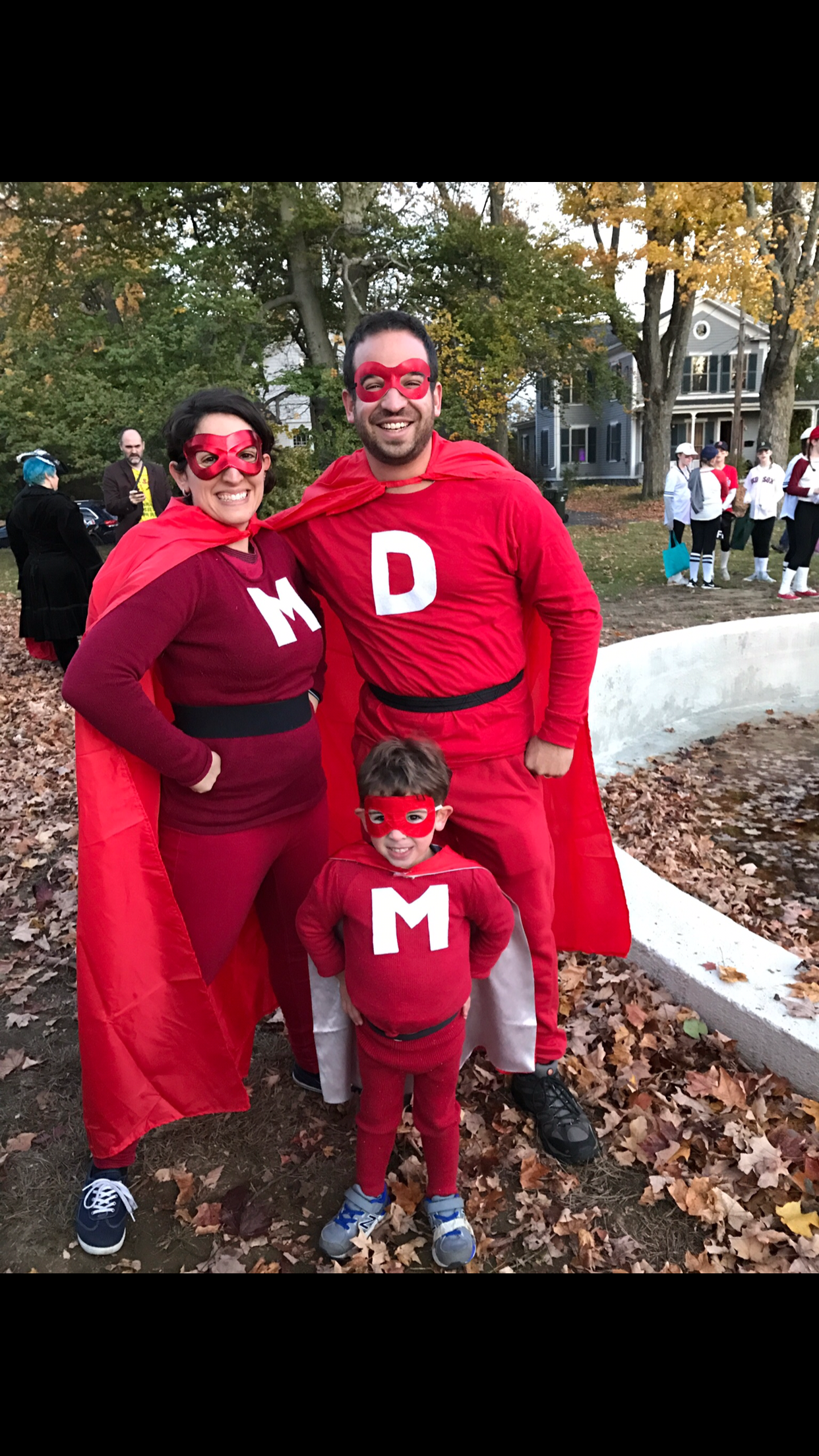
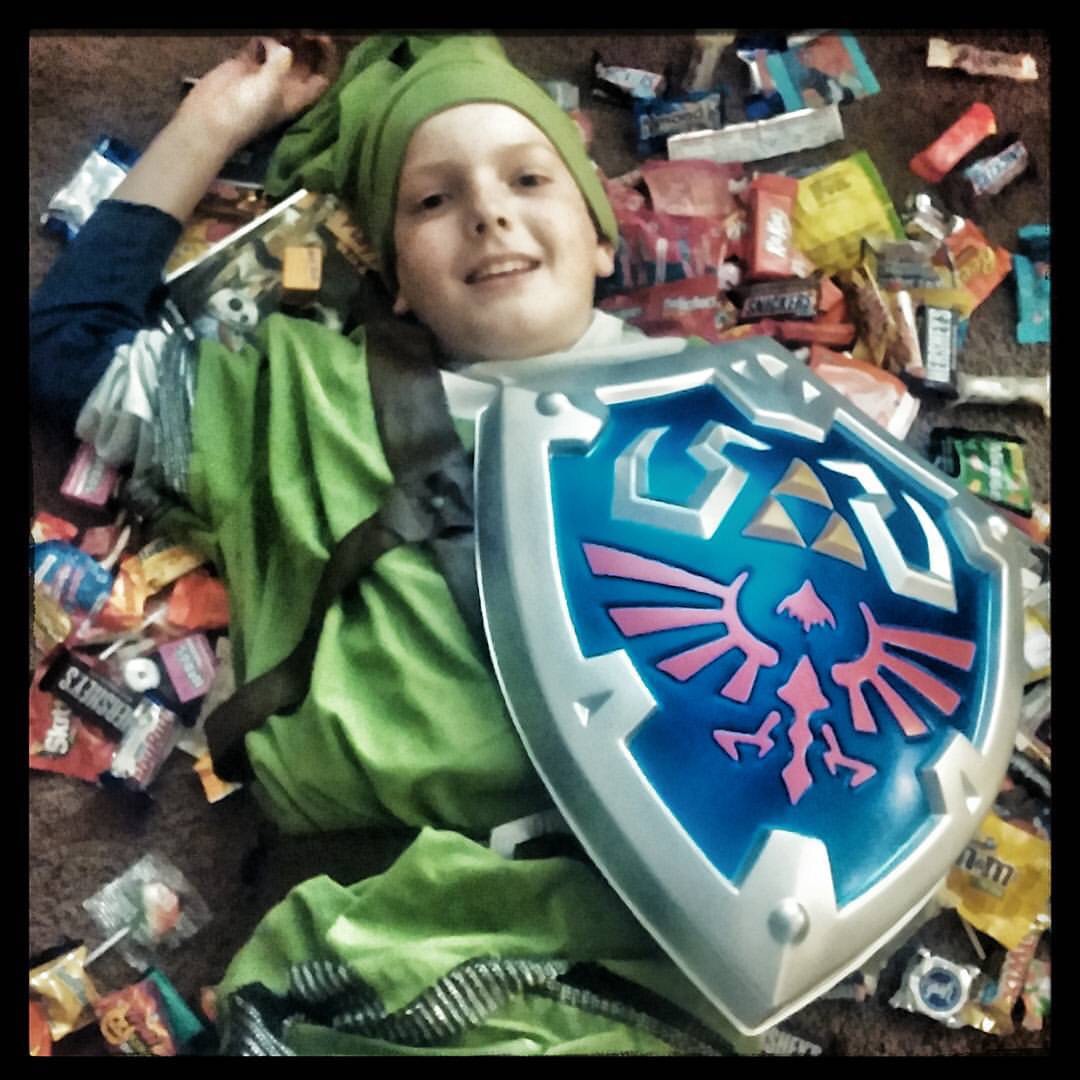
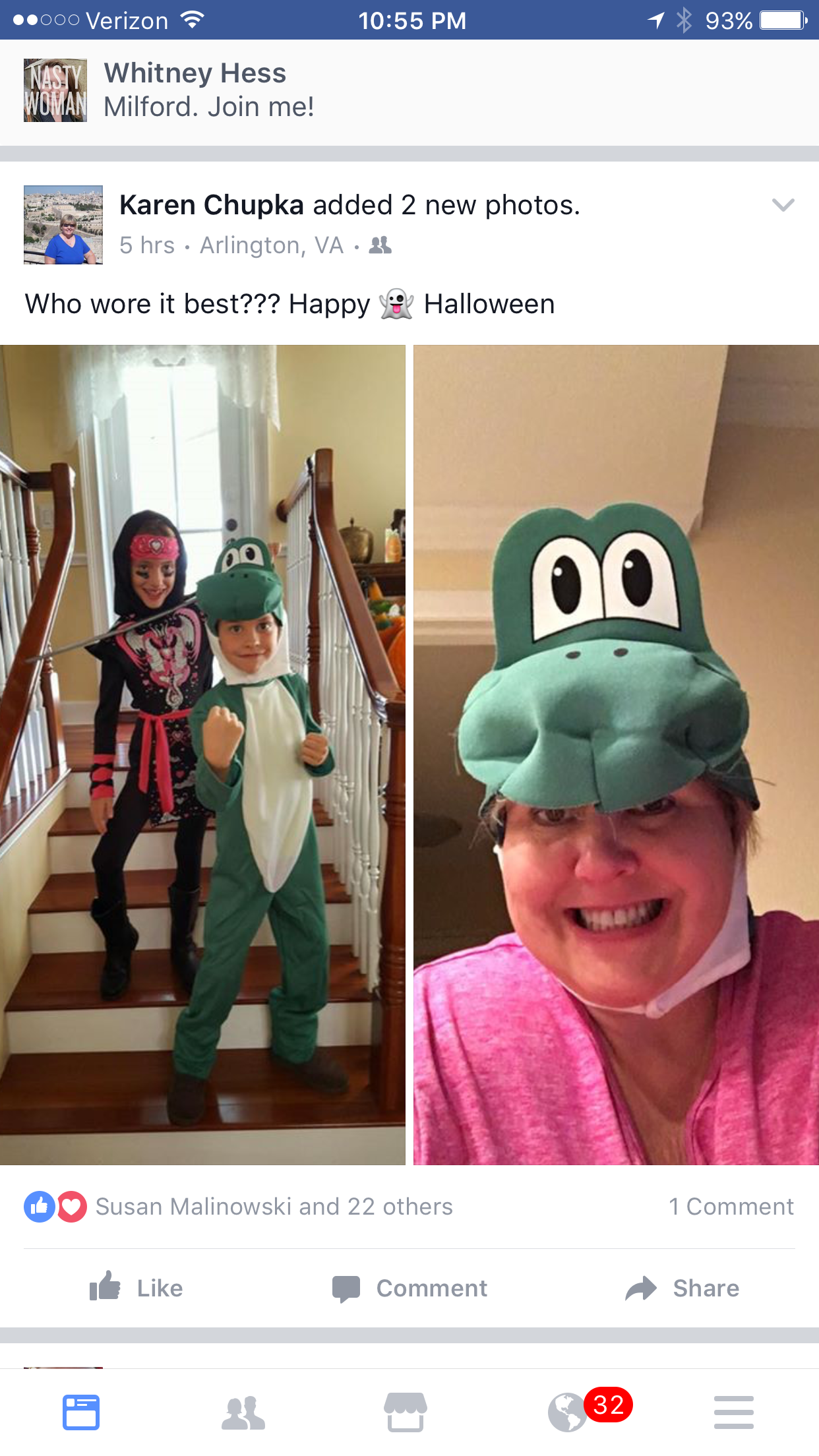
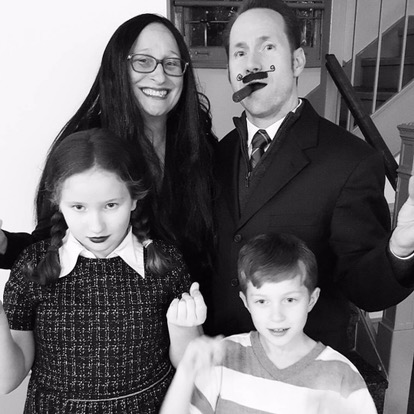
I lifted the these Halloween photos off of Facebook and Instagram.  Bravo to my family and friends.

Rachel, William, and Max–my niece, nephew and grand nephew. A keepsake.

My grand nephew Ezra is always smiling.

My grand nephew Ari is already a devoted Mets fan.

My godson Brett with his wife Liz and son Ethan.

Lucas belongs to my godson Philip with wife Kelly.

Christopher, son of Whitney’s babysitter. Sweet.

Whitney’s babysitter Mary. She lives for Halloween.

Mary and hubby Chris love to celebrate.

Diana Zorek, daughter of pals Michael and Shelly, just did a duet with The Boss.

JC Zapata, the happy realtor, loves the camera.

Pal Joao Lemos with his favorite gal.

Karen Chupka, Queen of CES.

LA pal, Laura Foti Cohen, in a Halloween past.

The McGee’s, the children of the Len and Sara Marks.